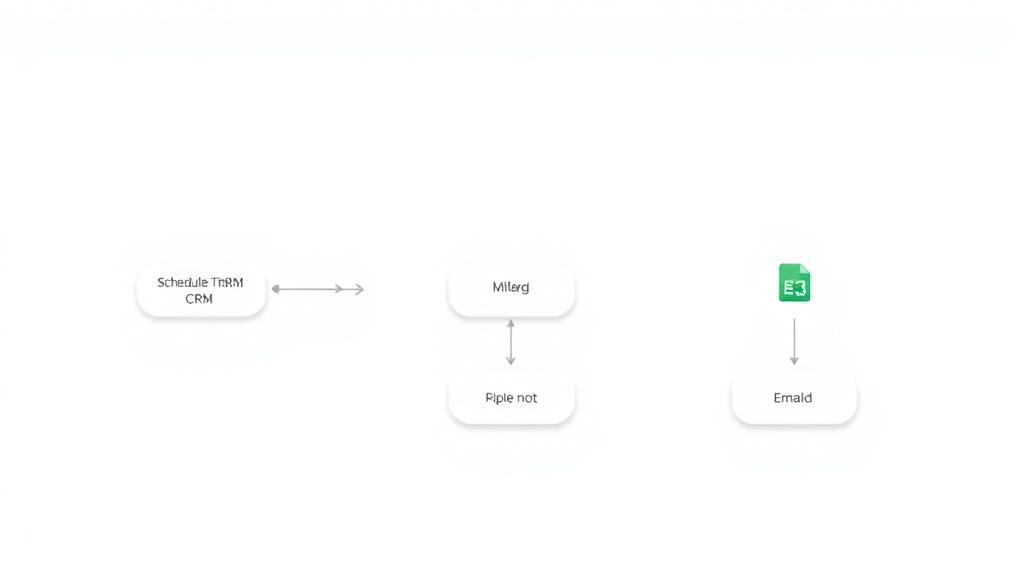
Automated PDF Invoice Processing & Approval Flow using OpenAI and Google Sheets
Curated by n8n Markets team
Last updated: March 8, 2026
## Who is this for? This workflow is ideal for: * Finance teams that need to process incoming invoices faster with minimal errors * Small to mid-sized businesses that want to automate invoice intake, review, and storage * Operations managers who require approval workflows and centralized record-keeping ## What problem is this workflow solving? Manually processing invoices is time-consuming, error-prone, and often lacks structure. This workflow solves those challenges by: * Automating the intake of invoices from multiple sources (email, Google Drive, web form) * Extracting invoice data using AI, eliminating manual data entry * Implementing an email-based approval system to add human oversight * Automatically storing approved invoice data in Google Sheets for easy access and reporting * Notifying stakeholders when invoices are approved or rejected ## What this workflow does This end-to-end invoice processing workflow includes: 1. Three invoice input methods: Google Drive folder monitor, Gmail attachments, and web form uploads 2. PDF to text extraction for each input method using native PDF parsing 3. AI-powered invoice analysis with GPT-4 to extract structured fields such as vendor, total, and due date 4. Dynamic categorization of invoice type (e.g., Travel, Software, Utilities) via AI 5. Email-based approval workflow with embedded forms to collect decisions and notes 6. Automated Google Sheets logging of all invoice data, approval status, and reviewer feedback 7. Rejection notifications sent automatically to your finance team for transparency and follow-up ## Setup 1. Copy the Google Sheet template here: 👉 [PDF Invoice Parser with Approval Workflow – Google Sheet Template](https://docs.google.com/spreadsheets/d/1ueJfN5dFTXY3_AdvnYUL5_RjV9YwSFvbxwA_ivtqnJk/edit?gid=0#gid=0) 2. Connect your Google Drive account and specify the invoice folder ID 3. Set up Gmail to monitor incoming invoices with PDF attachments 4. Enable your form trigger to accept direct uploads from your internal or external users 5. Enter your OpenAI API key in the AI processing node for data extraction 6. Configure Google Sheets with a target spreadsheet to store invoice data 7. Set recipient email addresses for invoice approvals and rejection notifications 8. Test with a sample invoice to ensure end-to-end flow is working ## How to customize this workflow to your needs * Change input sources: Replace Gmail with Outlook or use Slack uploads instead * Add validation steps: Include regex or keyword checks before AI analysis * Customize the AI schema: Modify the expected JSON structure based on your internal finance system * Integrate with accounting tools: Add Xero, QuickBooks, or custom API nodes to push data * Route based on category: Add conditional logic to handle invoices differently based on vendor or category * Multi-level approvals: Add additional email steps if higher-level signoff is needed * Audit logging: Use database or Google Sheets to maintain a historical log of approvals and rejections Contact me for consulting and support: 📧 billychartanto@gmail.com
What's Included
- Complete n8n workflow template with 0 nodes. Ready to import and customize.
Requirements
n8n instance (self-hosted or cloud). credentials.
How to Use
1. Download the workflow JSON 2. Import into your n8n instance 3. Configure credentials for 4. Activate and enjoy automation
Apps in this n8n workflow
How to import this template into n8n
- Download the workflow JSON file from this page.
- In n8n, open Workflows, create a new workflow and choose Import from File.
- Open each node that shows a warning and connect your own credentials.
- Run the workflow once manually to check the output before you activate it.
- Importable n8n workflow JSON file
- Download with Builder Pro or Agency Unlimited
- Built for n8n v1.0++
- Setup time: 15-30 min
Included in Builder Pro — $19/mo, 4,177 premium workflows
Before you activate
Templates are reviewed before they are listed. Test with your own credentials and data before running it in production.
100% Secure Checkout
Refund requests within 7 days of a new subscription
Dependencies & Requirements
⚠️ 2 services require credentials. Make sure you have accounts set up before importing.
0 reviews
No reviews yet.
Questions & Answers
Log in to ask a question.
No questions yet. Be the first to ask!
People Also Bought
Related Automation n8n templates
- Generate AI Videos with Google Veo3, Save to Google Drive and Upload to YouTube
- Scrape and summarize webpages with AI
- Create a Branded AI-Powered Website Chatbot
- Angie, Personal AI Assistant with Telegram Voice and Text
- AI agent chat
- Automated Web Scraping: email a CSV, save to Google Sheets & Microsoft Excel
- Respond to WhatsApp Messages with AI Like a Pro!
- Basic Automatic Gmail Email Labelling with OpenAI and Gmail API