WebSecScan: AI-Powered Website Security Auditor
Curated by n8n Markets team
Last updated: March 8, 2026
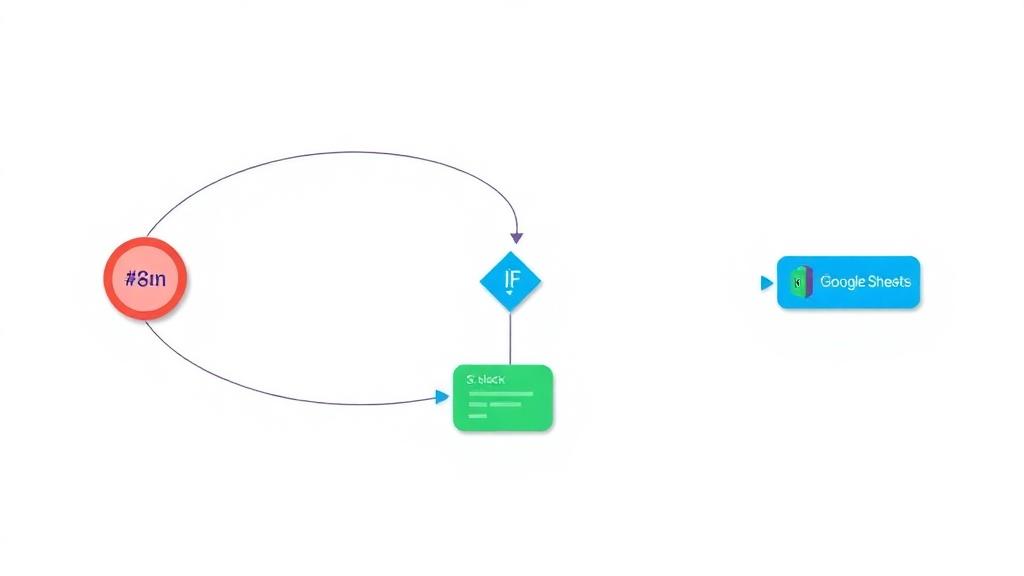
# WebSecScan: AI-Powered Website Security Auditor This n8n workflow provides comprehensive website security analysis by leveraging OpenAI's models to detect vulnerabilities, configuration issues, and security misconfigurations. The workflow generates a professional HTML security report delivered directly via Gmail. ## Key Features - Dual-Layer Security Analysis: Performs parallel security audits using specialized OpenAI agents: - Header Configuration Audit: Analyzes HTTP headers, CORS policies, CSP implementation, and cookie security - Vulnerability Assessment: Identifies XSS vectors, information disclosure, and client-side weaknesses - Detailed Security Grading: Automatically calculates a security grade (A+ to F) based on findings severity and quantity - Professional Report Generation: Creates a comprehensive HTML report with: - Security grade visualization - Color-coded vulnerability categories - Detailed recommendations with example configuration fixes - Header presence/absence indicators - Implementation guidance for remediation - Non-Invasive Testing: Performs analysis without active scanning or exploitation attempts ## Technical Implementation - Multi-Agent Architecture: Utilizes two specialized OpenAI agents with custom prompts tailored for security analysis - Advanced Header Analysis: Detects presence and proper implementation of critical security headers: - Content-Security-Policy - Strict-Transport-Security - X-Content-Type-Options - X-Frame-Options - Referrer-Policy - Permissions-Policy - Intelligent Issue Detection: Uses JavaScript processing to analyze OpenAI outputs and count critical/warning issues - Responsive HTML Report: Dynamically generates a mobile-friendly report with detailed findings and recommendations ## Setup Requirements ### 1. OpenAI API Configuration 1. Create an OpenAI API key at [platform.openai.com](https://platform.openai.com/) 2. In n8n, go to Settings → Credentials → New → OpenAI API 3. Enter your API key and save ### 2. Gmail Integration 1. Navigate to Settings → Credentials → New → Gmail OAuth2 API 2. Complete the OAuth authentication flow 3. Configure recipient email in the "Send Security Report" node ### 3. Workflow Customization (Optional) - Modify the form title/description in the Landing Page node - Upgrade from gpt-4o-mini to gpt-4o for more comprehensive analysis - Add additional recipients to the email report ## Usage Instructions 1. Activate the workflow and access the form via the generated URL 2. Enter any website URL to analyze (including the http:// or https:// prefix) 3. Receive a detailed security report via email within minutes 4. Share findings with your development team to implement fixes --- This workflow represents a non-invasive security assessment tool. For production environments, complement with professional penetration testing services.
What's Included
- Complete n8n workflow template with 0 nodes. Ready to import and customize.
Requirements
n8n instance (self-hosted or cloud). credentials.
How to Use
1. Download the workflow JSON 2. Import into your n8n instance 3. Configure credentials for 4. Activate and enjoy automation
How to import this template into n8n
- Download the workflow JSON file from this page.
- In n8n, open Workflows, create a new workflow and choose Import from File.
- Open each node that shows a warning and connect your own credentials.
- Run the workflow once manually to check the output before you activate it.
- Importable n8n workflow JSON file
- Download with Builder Pro or Agency Unlimited
- Built for n8n v1.0++
- Setup time: 15-30 min
Included in Builder Pro — $19/mo, 4,177 premium workflows
Before you activate
Templates are reviewed before they are listed. Test with your own credentials and data before running it in production.
100% Secure Checkout
Refund requests within 7 days of a new subscription
Dependencies & Requirements
⚠️ 3 services require credentials. Make sure you have accounts set up before importing.
0 reviews
No reviews yet.
Questions & Answers
Log in to ask a question.
No questions yet. Be the first to ask!
People Also Bought
Related Data Processing n8n templates
- Chat with local LLMs using n8n and Ollama
- Creating an API endpoint
- Proxmox AI Agent with n8n and Generative AI Integration
- Scrape any web page into structured JSON data with ScrapeNinja and AI
- Generate SQL queries from schema only - AI-powered
- N8N for Beginners: Looping over Items
- 🐋DeepSeek V3 Chat & R1 Reasoning Quick Start
- API Schema Extractor