AI Video Generator with Google Veo3 API (Veo 3 Fast)
Curated by n8n Markets team
Last updated: March 8, 2026
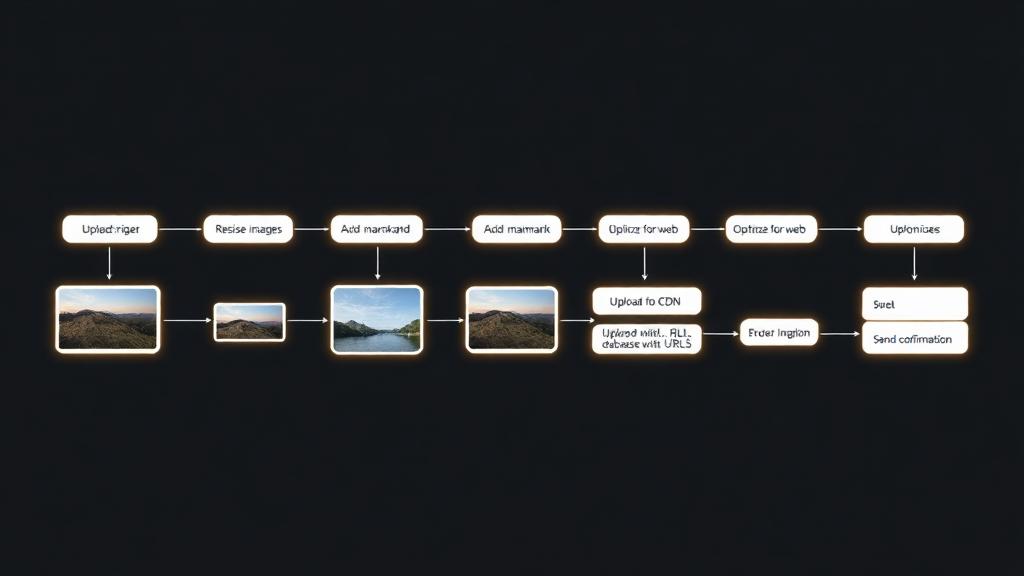
## Overview This workflow leverages the KIE. AI Veo3 model to generate AI videos from simple text descriptions. Users interact via a form interface, inputting a prompt (e.g., a scene description), and the system automatically submits the request to the KIE. AI API, monitors the generation status in real time, and retrieves the final video output. It's ideal for content creators, marketers, or developers exploring text-to-video AI creation, supporting intelligent video generation with minimal setup. ## Prerequisites - A KIE. AI account and API key: Sign up at [KIE.AI](https://kie.ai) to obtain your free or paid API key. - An active n8n instance (cloud or self-hosted) with HTTP Request and form submission capabilities. - Basic knowledge of AI prompts for video generation to achieve optimal results. ## Setup Instructions 1. Obtain API Key: Register at KIE. AI and generate your API key. Store it securely—do not share it publicly. 2. Configure the Form: In the "On Form Submission" node, ensure fields like "prompt" (for video description) and "api_key" are set up. Example prompt: `"A serene mountain landscape at sunset with birds flying." ` 3. Test the Workflow: - Click "Execute Workflow" in n8n. - Access the generated form URL, submit your prompt and API key. - The workflow will poll the API every 10 seconds until the video is ready, then display the results. 4. Handle Outputs: The final node formats and displays the video file URL for download or embedding. ## Customization Tips - Enhance Prompts: Include specifics like duration, style (e.g., realistic, animated), actions, and visual elements to improve AI video quality. - Keywords for SEO: This template focuses on AI video generation, text-to-video models, Veo3 API integration, and automated workflows.
What's Included
- Complete n8n workflow template with 0 nodes. Ready to import and customize.
Requirements
n8n instance (self-hosted or cloud). credentials.
How to Use
1. Download the workflow JSON 2. Import into your n8n instance 3. Configure credentials for 4. Activate and enjoy automation
Apps in this n8n workflow
How to import this template into n8n
- Download the workflow JSON file from this page.
- In n8n, open Workflows, create a new workflow and choose Import from File.
- Open each node that shows a warning and connect your own credentials.
- Run the workflow once manually to check the output before you activate it.
- Importable n8n workflow JSON file
- Download with Builder Pro or Agency Unlimited
- Built for n8n v1.0++
- Setup time: 15-30 min
Included in Builder Pro — $19/mo, 4,177 premium workflows
Before you activate
Templates are reviewed before they are listed. Test with your own credentials and data before running it in production.
100% Secure Checkout
Refund requests within 7 days of a new subscription
0 reviews
No reviews yet.
Questions & Answers
Log in to ask a question.
No questions yet. Be the first to ask!
People Also Bought
Related Automation n8n templates
- Generate AI Videos with Google Veo3, Save to Google Drive and Upload to YouTube
- Scrape and summarize webpages with AI
- Create a Branded AI-Powered Website Chatbot
- Angie, Personal AI Assistant with Telegram Voice and Text
- AI agent chat
- Automated Web Scraping: email a CSV, save to Google Sheets & Microsoft Excel
- Respond to WhatsApp Messages with AI Like a Pro!
- Basic Automatic Gmail Email Labelling with OpenAI and Gmail API