Automated SSL Certificate Monitoring and Renewal with Notion and Telegram
Curated by n8n Markets team
Last updated: March 8, 2026
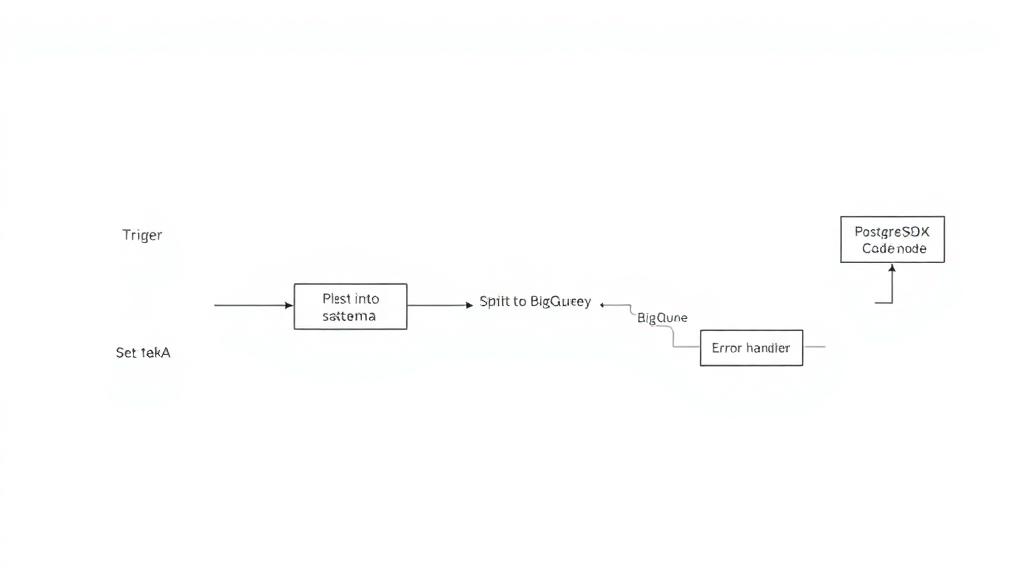
Automatically fetch existing domains from Notion's Database and verify the validity of SSL certificates through [SSL-Checker](https://ssl-checker.io/). If the validity period is less than 14 days, send a Telegram message notification and trigger SSH remote automatic refresh. Successful refresh notification will be sent through Telegram. This can prevent problems with the server-side automatic refresh program, which may cause unexpected service interruptions. Main use cases: - Notion store domain. - Telegram receives warning messages. - Remotely trigger [Certbot](certbot) to refresh SSL. How it works: - Record who triggered this workflow, because if there is a credential that is about to expire, this workflow will be triggered repeatedly. - After getting all the domains from Notion, send an http request to SSL-Checker. - After getting all the SSL-Checker results, add the validity label. And use the IF node to check if there are any certificates that are about to expire. Then there are two workflows: - If there is a certificate that is about to expire: send an SSH command to the remote control server to refresh the certificate, notify through Telegram, and call this workflow again to re-verify the validity of the SSL certificate. - If the validity period of SSL is normal: then refresh the data on Notion, and if a re-called workflow is detected, Telegram will be used to notify that the SSL has been updated.
What's Included
- Complete n8n workflow template with 0 nodes. Ready to import and customize.
Requirements
n8n instance (self-hosted or cloud). credentials.
How to Use
1. Download the workflow JSON 2. Import into your n8n instance 3. Configure credentials for 4. Activate and enjoy automation
Apps in this n8n workflow
How to import this template into n8n
- Download the workflow JSON file from this page.
- In n8n, open Workflows, create a new workflow and choose Import from File.
- Open each node that shows a warning and connect your own credentials.
- Run the workflow once manually to check the output before you activate it.
- Importable n8n workflow JSON file
- Download with Builder Pro or Agency Unlimited
- Built for n8n v1.0++
- Setup time: 5-15 min
Included in Builder Pro — $19/mo, 4,177 premium workflows
Before you activate
Templates are reviewed before they are listed. Test with your own credentials and data before running it in production.
100% Secure Checkout
Refund requests within 7 days of a new subscription
Dependencies & Requirements
⚠️ 2 services require credentials. Make sure you have accounts set up before importing.
0 reviews
No reviews yet.
Questions & Answers
Log in to ask a question.
No questions yet. Be the first to ask!
People Also Bought
Related Data Processing n8n templates
- Chat with local LLMs using n8n and Ollama
- Creating an API endpoint
- Proxmox AI Agent with n8n and Generative AI Integration
- Scrape any web page into structured JSON data with ScrapeNinja and AI
- Generate SQL queries from schema only - AI-powered
- N8N for Beginners: Looping over Items
- 🐋DeepSeek V3 Chat & R1 Reasoning Quick Start
- WebSecScan: AI-Powered Website Security Auditor