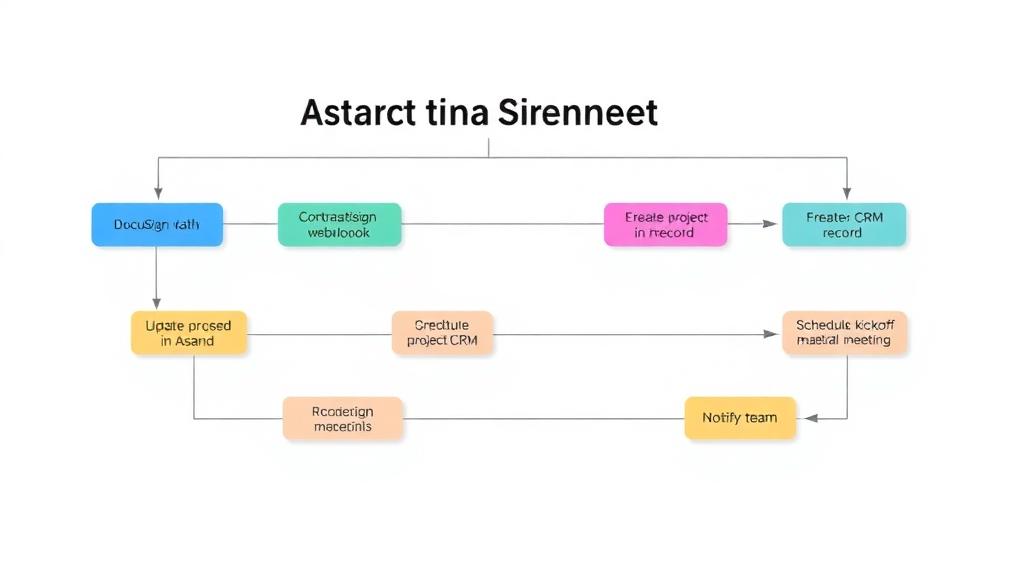
AI Timesheet Generator with Gmail, Calendar & GitHub to Google Sheets
Curated by n8n Markets team
Last updated: March 8, 2026
# AI-Powered Automatic Timesheet Generator for Google Sheets Stop wasting billable hours on manual time-tracking. AutoTimesheet Pro uses AI to collect emails, meetings, and GitHub work, then writes a clean timesheet straight into Google Sheets. Perfect for developers, consultants, agencies, and remote teams. ## Get Started with [n8n](https://n8n.partnerlinks.io/ds9podzjls6d) now! --- ## 🚀 Key Features - Automated Google Sheets time-tracking — zero spreadsheet prep. - AI-generated activity summaries (≤ 120 chars) via OpenAI GPT-4o-mini. - Gmail integration — logs only important emails, skipping newsletters & no-replies. - Google Calendar time logger — captures confirmed events, duration, and attendees. - GitHub commit & PR tracker — records your commits plus opened/closed PRs. - Daily 7 PM cron trigger (easily adjustable). - Month-based sheet creation — new tab spins up on the first run each month. - No-code n8n template — just connect credentials and tweak one Set Variables node. - 🔌 Easily extensible — drag-and-drop extra n8n nodes to add Slack, Jira, Notion, Asana, Trello, Toggl, or any other data source you need. --- ## 🔍 How It Works 1. Collect — n8n pulls data from Gmail, Google Calendar, and chosen GitHub repos. 2. Clean — filters remove noise (newsletters, irrelevant commits, etc.). 3. Condense — OpenAI rewrites each item into a concise, SEO-friendly description. 4. Write — workflow appends *Date*, *Type*, and *Description* to your Timesheet Google Sheet. 5. Extend — simply insert new n8n nodes (e.g., Slack, Notion, Jira) and merge them into the same pipeline. --- ## 📈 Benefits for SEO-Minded Professionals - Keyword-rich activity log improves internal search and reporting. - Structured data in Sheets simplifies export to accounting or PM tools. - Consistent naming (`CALENDAR_EVENT`, `EMAIL`, `COMMIT`, `PR`) makes analytics easy. --- ## ✅ Why Choose AutoTimesheet Pro? - Zero manual entry — just open the sheet and bill clients. - Immediate visibility into where your hours went. - Works with any GitHub repo list and any inbox you own. - 100 % no-code setup — activate in minutes. - Built on n8n, so you can customize and scale without limits. --- ## 📥 Get Started Ready to replace manual time-tracking with smart automation? #### https://n8n.partnerlinks.io/ds9podzjls6d Join N8N now, connect your Google & GitHub accounts, and let AI handle your daily log. ---
What's Included
- Complete n8n workflow template with 0 nodes. Ready to import and customize.
Requirements
n8n instance (self-hosted or cloud). credentials.
How to Use
1. Download the workflow JSON 2. Import into your n8n instance 3. Configure credentials for 4. Activate and enjoy automation
Apps in this n8n workflow
How to import this template into n8n
- Download the workflow JSON file from this page.
- In n8n, open Workflows, create a new workflow and choose Import from File.
- Open each node that shows a warning and connect your own credentials.
- Run the workflow once manually to check the output before you activate it.
- Importable n8n workflow JSON file
- Download with Builder Pro or Agency Unlimited
- Built for n8n v1.0++
- Setup time: 30-60 min
Included in Builder Pro — $19/mo, 4,177 premium workflows
Before you activate
Templates are reviewed before they are listed. Test with your own credentials and data before running it in production.
100% Secure Checkout
Refund requests within 7 days of a new subscription
Dependencies & Requirements
⚠️ 3 services require credentials. Make sure you have accounts set up before importing.
0 reviews
No reviews yet.
Questions & Answers
Log in to ask a question.
No questions yet. Be the first to ask!
People Also Bought
Related Automation n8n templates
- Generate AI Videos with Google Veo3, Save to Google Drive and Upload to YouTube
- Scrape and summarize webpages with AI
- Create a Branded AI-Powered Website Chatbot
- Angie, Personal AI Assistant with Telegram Voice and Text
- AI agent chat
- Automated Web Scraping: email a CSV, save to Google Sheets & Microsoft Excel
- Respond to WhatsApp Messages with AI Like a Pro!
- Basic Automatic Gmail Email Labelling with OpenAI and Gmail API