WhatsApp AI Customer Service Bot with GPT-4o-mini and Gmail Alerts
Curated by n8n Markets team
Last updated: March 8, 2026
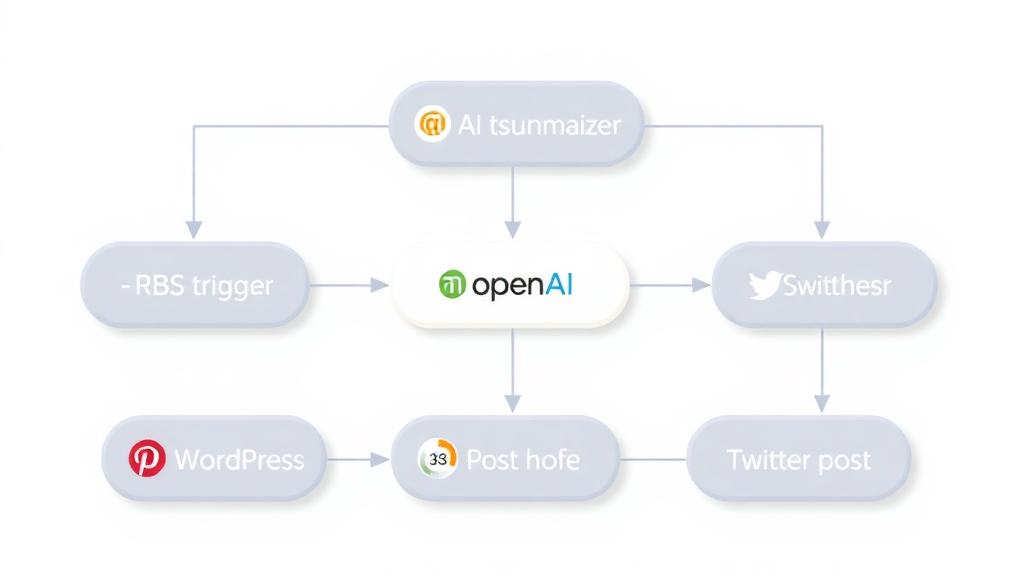
## Who is this for? This workflow is intended for WhatsApp admins, customer service, individual users or teams in businesses who want to automate their small business or medium to large businesses on WhatsApp practically by automatically replying about your business products or services using Open AI capabilities on AI Agent. Based on an automated system there is a task to answer many customers or clients on WhatsApp, in reality answering one by one is very time consuming and tiring, especially if we have to compose sentences first or click on the template and send them. This is also a form of devotion to the community at n8n and the n8n company, as well as devotion to small businesses so that the reality is no longer tiring and able to answer the problems of reality that exist. ## How does it work? Easy explanation: Whatsapp trigger here the "Input submissions" node is responsible for inputting chats from customers in the form of data. Then, it is sent to the next node, namely the if node, here there are two if nodes, namely "Signpost" and "Is text message?" responsible for forwarding customer chat input data and selecting if correct then it will be forwarded to the AI Agent and if wrong then there is a "Fallback Text" node. Once correct, the AI Agent will analyze with the OpenAI model capability and store it in Simple Memory. The AI Agent here has been given directions and commands on what it should be like, in the parameters section, the prompt contains a special task, the knowledge base of your business, and several points and rules that must be there. After that, it will be sent via the WhatsApp reply node which is addressed to the customer. After that, the Gmail Set will process it again to be addressed to the Send Gmail Notifications Node, which contains email address parameters and also the contents of the email as a notification of success or failure. Then, there are no operations after that after the Gmail node. And enjoy this workflow that works for you. ## Setup instructions Complete what is in the node as stated in the notes column. You need a "Credential Account" on each WhatsApp node, then the OpenAI node and the Gmail Node. If you already have an account, just connect it, and if not, create it first, you can register it by following the guide from n8n, it makes it very easy. Because here it has been set up neatly and cleanly like in the if node. Next, you need to add your business to the AI Agent node, there are parameters and a prompt section, I have made a sample here to make it easier for you. You can immediately adjust it to your business or service or product, later what communication or sentence you want to convey to customers on WhatsApp. After that, don't forget to add an email address to the Gmail node for notification of success or failure of each customer from the running of this system. Save and run, test the workflow and activate the workflow. This workflow is ready to use. ## Requirements As a reminder: Must be set in nodes such as your business description, also according to the conditions of your business, services, products, so that the AI Agent matches your business knowledge base Must have (if not, make sure you have registered) in each "Credential Account" by following the guide on how to create it n8n the guide is very complete Don't forget to save, and make sure the workflow is active. ## How to customize this workflow to your needs You can immediately set up your business knowledge base in the nodes, so that the accuracy is also high when carrying out tasks and answering them.
What's Included
- Complete n8n workflow template with 0 nodes. Ready to import and customize.
Requirements
n8n instance (self-hosted or cloud). credentials.
How to Use
1. Download the workflow JSON 2. Import into your n8n instance 3. Configure credentials for 4. Activate and enjoy automation
Apps in this n8n workflow
How to import this template into n8n
- Download the workflow JSON file from this page.
- In n8n, open Workflows, create a new workflow and choose Import from File.
- Open each node that shows a warning and connect your own credentials.
- Run the workflow once manually to check the output before you activate it.
- Importable n8n workflow JSON file
- Download with Builder Pro or Agency Unlimited
- Built for n8n v1.0++
- Setup time: 5-15 min
Included in Builder Pro — $19/mo, 4,177 premium workflows
Before you activate
Templates are reviewed before they are listed. Test with your own credentials and data before running it in production.
100% Secure Checkout
Refund requests within 7 days of a new subscription
Dependencies & Requirements
⚠️ 1 service require credentials. Make sure you have accounts set up before importing.
0 reviews
No reviews yet.
Questions & Answers
Log in to ask a question.
No questions yet. Be the first to ask!
People Also Bought
Related Automation n8n templates
- Generate AI Videos with Google Veo3, Save to Google Drive and Upload to YouTube
- Scrape and summarize webpages with AI
- Create a Branded AI-Powered Website Chatbot
- Angie, Personal AI Assistant with Telegram Voice and Text
- AI agent chat
- Automated Web Scraping: email a CSV, save to Google Sheets & Microsoft Excel
- Respond to WhatsApp Messages with AI Like a Pro!
- Basic Automatic Gmail Email Labelling with OpenAI and Gmail API