Google Maps business scraper with contact extraction via Apify and Firecrawl
Curated by n8n Markets team
Last updated: March 8, 2026
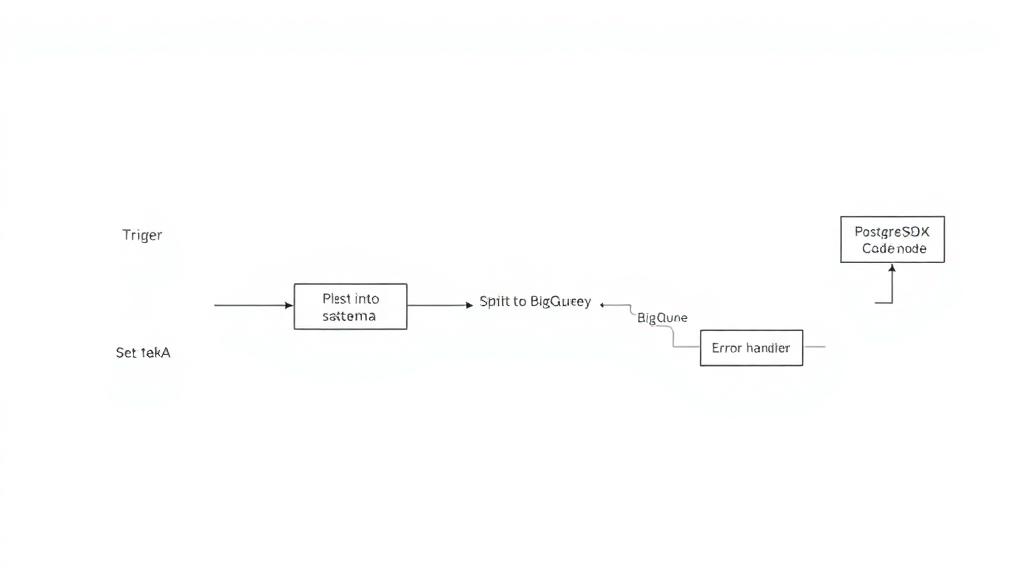
Who is this for? Marketing agencies, sales teams, lead generation specialists, and business development professionals who need to build comprehensive business databases with contact information for outreach campaigns across any industry. What problem is this workflow solving? Finding businesses and their contact details manually is time-consuming and inefficient. This workflow automates the entire process of discovering businesses through Google Maps and extracting their digital contact information from websites, saving hours of manual research. What this workflow does This automated workflow runs every 30 minutes to: Scrape business data from Google Maps using Apify's Google Places crawler Save basic business information (name, address, phone, website) to Google Sheets Filter businesses that have websites Scrape each business's website content using Firecrawl Extract contact information including emails, LinkedIn, Facebook, Instagram, and Twitter profiles Store all extracted data in organized Google Sheets for easy access and follow-up Setup Required Services: Google Sheets account with OAuth2 setup Apify account with API access for Google Places scraping Firecrawl account with API access for website scraping Pre-setup: Copy this Google Sheet Configure your Apify and Firecrawl API credentials in n8n Set up Google Sheets OAuth2 connection Update the Google Sheet ID in all Google Sheets nodes Quick Start: The workflow includes detailed sticky notes explaining each phase. Simply configure your API credentials and Google Sheet, then activate the workflow. How to customize this workflow to your needs Change search criteria: Modify the Apify scraping parameters to target different business types (restaurants, gyms, salons, etc.) or locations Adjust schedule: Change the trigger interval from 30 minutes to your preferred frequency Add more contact fields: Extend the extraction code to find additional contact information like WhatsApp or Telegram Filter criteria: Modify the filter conditions to target businesses with specific characteristics Batch size: Adjust the batch processing to handle more or fewer websites simultaneously Perfect for lead generation, competitor research, and building targeted marketing lists across any industry or business type.
What's Included
- Complete n8n workflow template with 0 nodes. Ready to import and customize.
Requirements
n8n instance (self-hosted or cloud). credentials.
How to Use
1. Download the workflow JSON 2. Import into your n8n instance 3. Configure credentials for 4. Activate and enjoy automation
How to import this template into n8n
- Download the workflow JSON file from this page.
- In n8n, open Workflows, create a new workflow and choose Import from File.
- Open each node that shows a warning and connect your own credentials.
- Run the workflow once manually to check the output before you activate it.
- Importable n8n workflow JSON file
- Download with Builder Pro or Agency Unlimited
- Built for n8n v1.0++
- Setup time: 15-30 min
Included in Builder Pro — $19/mo, 4,177 premium workflows
Before you activate
Templates are reviewed before they are listed. Test with your own credentials and data before running it in production.
100% Secure Checkout
Refund requests within 7 days of a new subscription
0 reviews
No reviews yet.
Questions & Answers
Log in to ask a question.
No questions yet. Be the first to ask!
People Also Bought
Related Automation n8n templates
- Generate AI Videos with Google Veo3, Save to Google Drive and Upload to YouTube
- Scrape and summarize webpages with AI
- Create a Branded AI-Powered Website Chatbot
- Angie, Personal AI Assistant with Telegram Voice and Text
- AI agent chat
- Automated Web Scraping: email a CSV, save to Google Sheets & Microsoft Excel
- Respond to WhatsApp Messages with AI Like a Pro!
- Basic Automatic Gmail Email Labelling with OpenAI and Gmail API