Query Google Sheets/CSV data through an AI Agent using PostgreSQL
Curated by n8n Markets team
Last updated: March 8, 2026
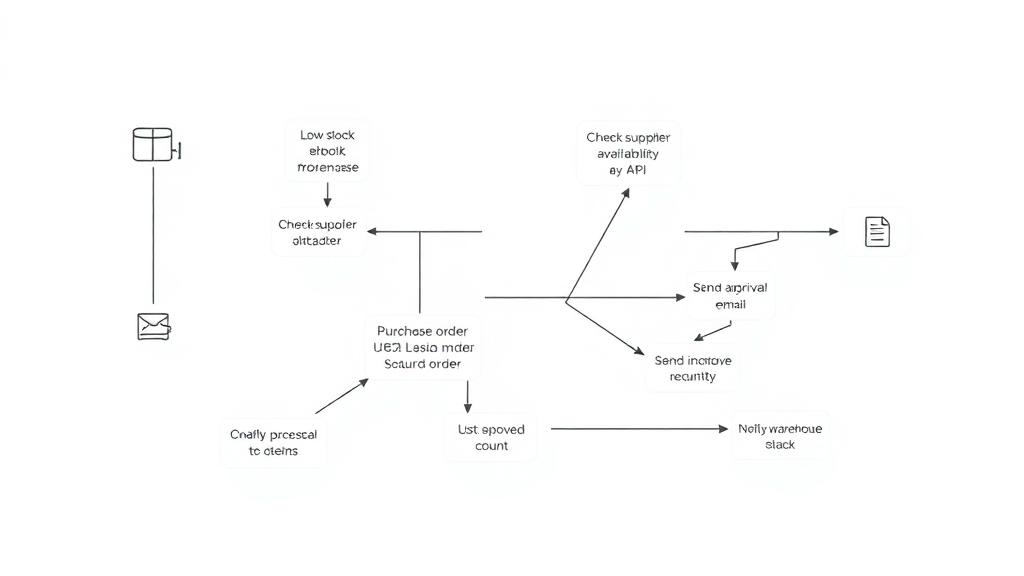
Want to see it in action? Watch the full breakdown here: [📺 Video Link](https://www.youtube.com/watch?v=uj_XpLSMRmk) ### Template Description This n8n workflow empowers you to query structured financial data from Google Sheets or CSV files using AI-generated SQL. Unlike traditional vector database solutions that falter with numerical queries, this template leverages PostgreSQL for efficient data storage and an AI agent to dynamically create optimized SQL queries from natural language inputs. #### What It Does - Retrieves data from Google Sheets or CSV files - Infers the data schema and builds a PostgreSQL table - Populates the table with your data - Uses an AI agent to translate natural language questions into SQL queries - Returns precise numerical results quickly and efficiently #### Why Use This? - No SQL knowledge required—the AI generates queries for you - Bypasses the inefficiencies and costs of vector database approaches - Scales effortlessly without overwhelming the language model - Fully free and open-source --- ### Setup Requirements #### Pre-Conditions - PostgreSQL Database: A running PostgreSQL instance (no specific extensions required beyond standard installation). - Google Sheets Access: A publicly accessible or shared Google Sheet URL with structured data (e.g., financial records). Need a starting point? Use this [Sample Google Sheet Template](insert-link-here). - n8n Instance: A working n8n setup with access to the Google Drive and PostgreSQL nodes. #### Step-by-Step Instructions 1. Add Your Google Sheets URL - Open the "Google Drive Trigger" node. - Replace the placeholder URL with your Google Sheet’s link. - Verify the sheet name matches your data source. 2. Configure PostgreSQL - Update the "PostgreSQL" nodes with your database credentials (host, database, user, password). - The workflow automatically creates and populates the table based on your data schema. 3. Run the Workflow - Execute the workflow manually to set up the database. - Once initialized, use the AI agent by asking questions like: - _"How much did I sell last week?"_ - _"What were the total sales for Product X in February?"_ 4. (Optional) Automate Updates - Add a "Schedule Trigger" node to sync your Google Sheets data with PostgreSQL on a regular basis. --- ### How It Works - Schema Detection: The workflow analyzes your Google Sheets or CSV data to infer its structure and create an appropriate PostgreSQL table. - AI-Powered Queries: An optimized AI agent converts your natural language questions into precise SQL queries, ensuring accurate results. - Efficient Retrieval: By using PostgreSQL instead of vector-based methods, this template avoids common pitfalls like slow performance or inaccurate numerical outputs. --- ### Tips for Success - Ensure your Google Sheet or CSV has consistent column headers for smooth schema detection. - Test with simple questions first to verify the AI agent’s query generation. - Check out the [n8n Template Submission Guidelines](insert-link-here) for more best practices.
What's Included
- Complete n8n workflow template with 0 nodes. Ready to import and customize.
Requirements
n8n instance (self-hosted or cloud). credentials.
How to Use
1. Download the workflow JSON 2. Import into your n8n instance 3. Configure credentials for 4. Activate and enjoy automation
Apps in this n8n workflow
How to import this template into n8n
- Download the workflow JSON file from this page.
- In n8n, open Workflows, create a new workflow and choose Import from File.
- Open each node that shows a warning and connect your own credentials.
- Run the workflow once manually to check the output before you activate it.
- Importable n8n workflow JSON file
- Download with Builder Pro or Agency Unlimited
- Built for n8n v1.0++
- Setup time: 5-15 min
Included in Builder Pro — $19/mo, 4,177 premium workflows
Before you activate
Templates are reviewed before they are listed. Test with your own credentials and data before running it in production.
100% Secure Checkout
Refund requests within 7 days of a new subscription
Dependencies & Requirements
⚠️ 3 services require credentials. Make sure you have accounts set up before importing.
0 reviews
No reviews yet.
Questions & Answers
Log in to ask a question.
No questions yet. Be the first to ask!
People Also Bought
Related Automation n8n templates
- Generate AI Videos with Google Veo3, Save to Google Drive and Upload to YouTube
- Scrape and summarize webpages with AI
- Create a Branded AI-Powered Website Chatbot
- Angie, Personal AI Assistant with Telegram Voice and Text
- AI agent chat
- Automated Web Scraping: email a CSV, save to Google Sheets & Microsoft Excel
- Respond to WhatsApp Messages with AI Like a Pro!
- Basic Automatic Gmail Email Labelling with OpenAI and Gmail API