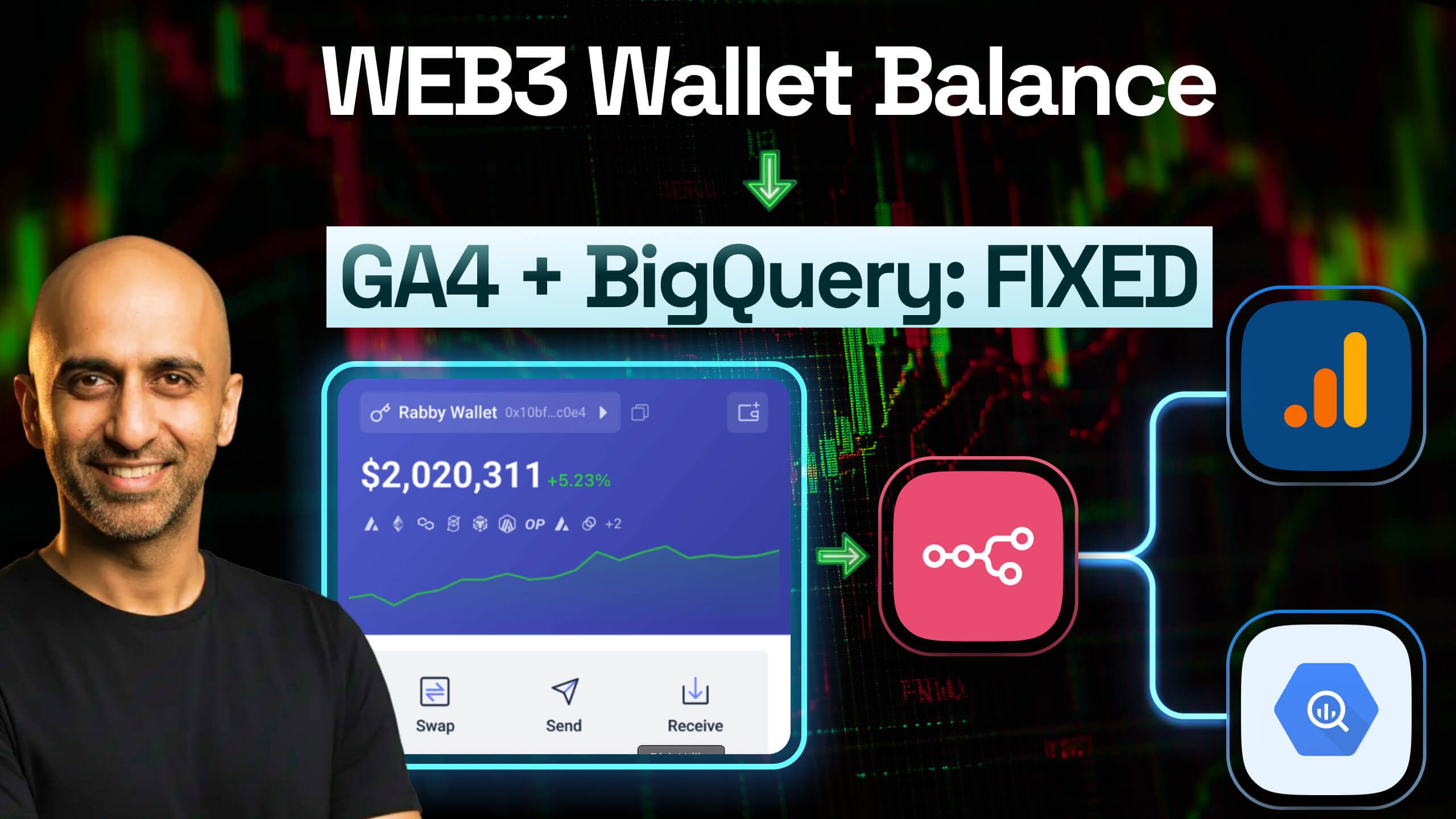
Web3 Wallet Tracker: Sync Balances to GA4, BigQuery, and Discord Whale Alerts
Curated by n8n Markets team
Last updated: March 8, 2026
This workflow bridges the gap between anonymous website traffic and on-chain wallet activity. It captures wallet connections via a webhook, enriches the data with real-time USD balances from the Zerion API, and syncs the results to Google Analytics 4, BigQuery, and Discord for immediate action. This directly helps Web3 marketing and growth teams identify high-value "whales" the moment they connect to your dApp, allowing for real-time monitoring and advanced attribution analysis. How it works Video tutorial: https://youtu.be/2_wuTRzRpkg How it works Webhook Trigger: Receives the wallet address, GA Client ID, and Session ID from your website via GTM. Zerion API Integration: Queries the real-time USD balance and individual chain distributions for the connected wallet. Whale Filtering (Switch): A logic that filters wallets based on a USD threshold (e.g., >$50) to trigger high-priority alerts. Dynamic Discord Alerts: Sends a formatted message to Discord with a 2-decimal rounded total balance and a dynamic breakdown of assets across all active chains (Base, Ethereum, etc.). GA4 Push: Sends the wallet_usd_balance as a custom metric to GA4 via the Measurement Protocol to maintain session continuity. BigQuery Archive: Records the wallet address, hashed ID, and USD balance into a secure table for SQL joining with raw GA4 data Prerequisites Zerion API Key: Required for fetching real-time balance and chain data. Discord Bot Token: Required to send automated whale alerts to your team server. Google Cloud Project: A project with BigQuery enabled and a JSON Service Account key for secure data insertion. GA4 Measurement Protocol API Secret: Required to push custom metrics back into active GA4 sessions. 
What's Included
- Complete n8n workflow template with 0 nodes. Ready to import and customize.
Requirements
n8n instance (self-hosted or cloud). credentials.
How to Use
1. Download the workflow JSON 2. Import into your n8n instance 3. Configure credentials for 4. Activate and enjoy automation
How to import this template into n8n
- Download the workflow JSON file from this page.
- In n8n, open Workflows, create a new workflow and choose Import from File.
- Open each node that shows a warning and connect your own credentials.
- Run the workflow once manually to check the output before you activate it.
- Importable n8n workflow JSON file
- Download with Builder Pro or Agency Unlimited
- Built for n8n v1.0++
- Setup time: 5-15 min
Included in Builder Pro — $19/mo, 4,177 premium workflows
Before you activate
Templates are reviewed before they are listed. Test with your own credentials and data before running it in production.
100% Secure Checkout
Refund requests within 7 days of a new subscription
Dependencies & Requirements
0 reviews
No reviews yet.
Questions & Answers
Log in to ask a question.
No questions yet. Be the first to ask!
People Also Bought
Related Automation n8n templates
- Generate AI Videos with Google Veo3, Save to Google Drive and Upload to YouTube
- Scrape and summarize webpages with AI
- Create a Branded AI-Powered Website Chatbot
- Angie, Personal AI Assistant with Telegram Voice and Text
- AI agent chat
- Automated Web Scraping: email a CSV, save to Google Sheets & Microsoft Excel
- Respond to WhatsApp Messages with AI Like a Pro!
- Basic Automatic Gmail Email Labelling with OpenAI and Gmail API