Generate PII-Safe Helpdocs from Crisp Support Chats with GPT-4.1-mini
Curated by n8n Markets team
Last updated: March 8, 2026
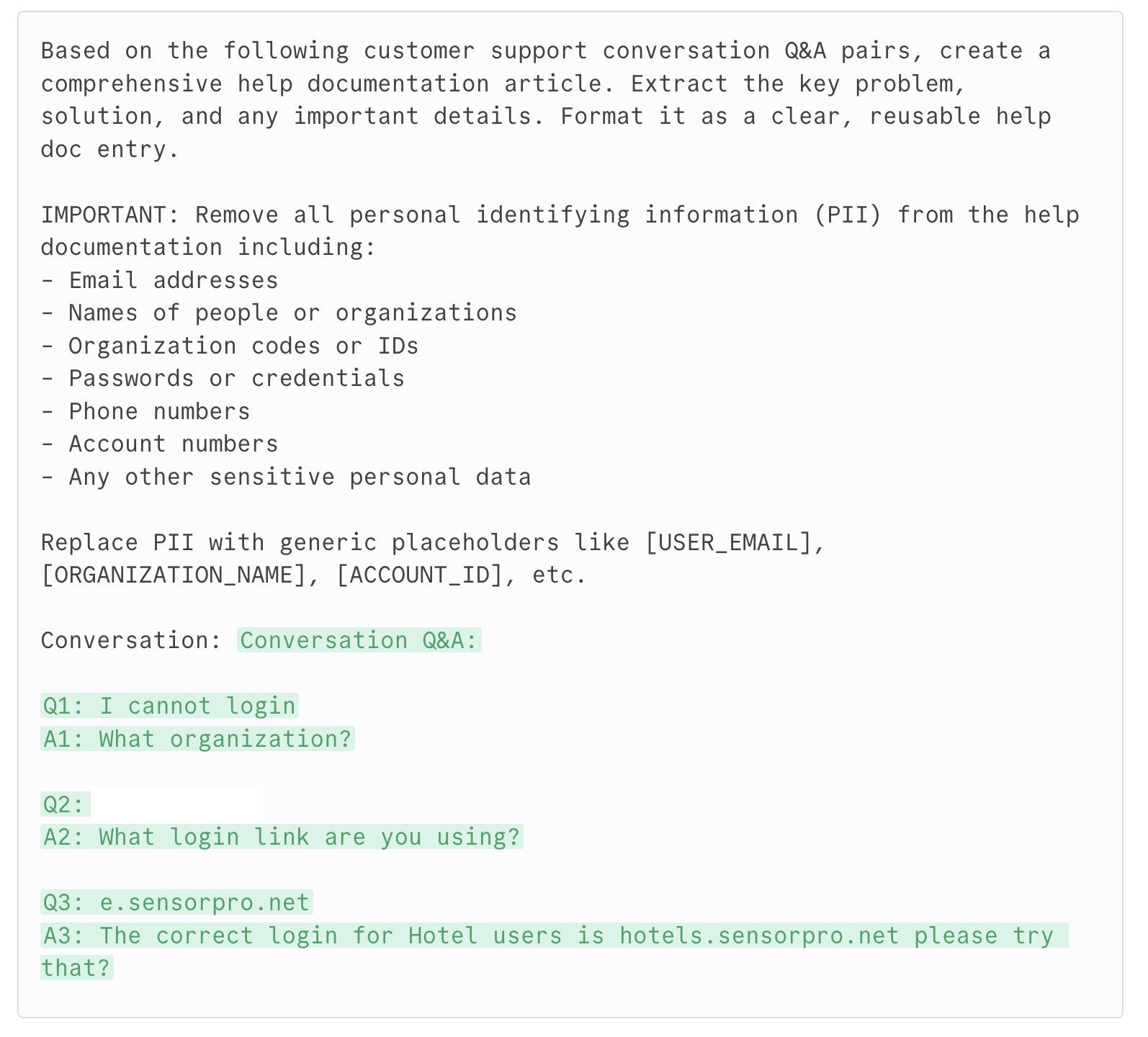
# Turn Crisp chats into Helpdocs Automatically create help articles from resolved Crisp chats. This n8n workflow listens for chat events, formats Q&A pairs, and uses an LLM to generate a PII‑safe helpdoc saved to a Data Table. --- ## Highlights * 🧩 Trigger: Crisp Webhook when a chat is marked resolved. * 🗂️ Store: Each message saved in a Data Table (`crisp`). * 🧠 Generate: LLM turns Q&A into draft helpdoc. * 💾 Save: Draft stored in another Data Table (`crisphelp`) for review. --- ## How it works 1. Webhook receives `message:send`, `message:received`, and `state:resolved` events from Crisp. 2. Data Table stores messages by `session_id`. 3. On `state:resolved`, workflow fetches the full chat thread. 4. Code node formats messages into `Q:` and `A:` pairs. 5. LLM (OpenAI `gpt-4.1-mini`) creates a redacted helpdoc. 6. Data Table `crisphelp` saves the generated doc with `publish = false`. ---  --- ## Requirements * Crisp workspace with webhook access (Settings → Advanced → Webhooks) * n8n instance with Data Tables and OpenAI credentials --- ## Customize * Swap the model in the LLM node. * Add a Slack or Email node after `store-doc` to alert reviewers. * Extend prompt rules to strengthen PII redaction. --- ## Tips * Ensure Crisp webhook URL is public. * Check IF condition: `{{$json.body.data.content.namespace}} == "state:resolved"`. * Use the `publish` flag to control auto‑publishing. --- Category: AI • Automation • Customer Support
What's Included
- Complete n8n workflow template with 0 nodes. Ready to import and customize.
Requirements
n8n instance (self-hosted or cloud). credentials.
How to Use
1. Download the workflow JSON 2. Import into your n8n instance 3. Configure credentials for 4. Activate and enjoy automation
Apps in this n8n workflow
How to import this template into n8n
- Download the workflow JSON file from this page.
- In n8n, open Workflows, create a new workflow and choose Import from File.
- Open each node that shows a warning and connect your own credentials.
- Run the workflow once manually to check the output before you activate it.
- Importable n8n workflow JSON file
- Download with Builder Pro or Agency Unlimited
- Built for n8n v1.0++
- Setup time: 5-15 min
Included in Builder Pro — $19/mo, 4,177 premium workflows
Before you activate
Templates are reviewed before they are listed. Test with your own credentials and data before running it in production.
100% Secure Checkout
Refund requests within 7 days of a new subscription
Dependencies & Requirements
0 reviews
No reviews yet.
Questions & Answers
Log in to ask a question.
No questions yet. Be the first to ask!
People Also Bought
Related Automation n8n templates
- Generate AI Videos with Google Veo3, Save to Google Drive and Upload to YouTube
- Scrape and summarize webpages with AI
- Create a Branded AI-Powered Website Chatbot
- Angie, Personal AI Assistant with Telegram Voice and Text
- AI agent chat
- Automated Web Scraping: email a CSV, save to Google Sheets & Microsoft Excel
- Respond to WhatsApp Messages with AI Like a Pro!
- Basic Automatic Gmail Email Labelling with OpenAI and Gmail API