Dynamically switch between LLMs for AI Agents using LangChain Code
Curated by n8n Markets team
Last updated: March 8, 2026
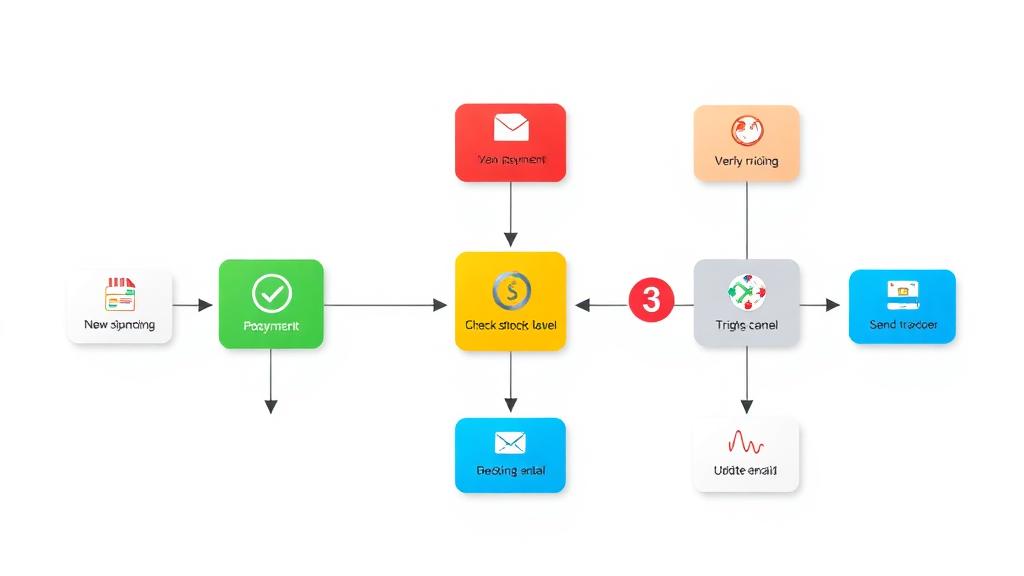
# Dynamically switch between LLMs for AI Agents using LangChain Code ## Purpose This example workflow demonstrates a way to connect multiple LLMs to a single AI Agent/LangChain Node and programmatically use one – or in this case loop through them. ## What it does This AI workflow takes in customer complaints and generates a response that is being validated before returned. If the answer was not satisfactory, the response will be generated again with a more capable model. ## How it works - A LangChain Code Node allows multiple LLMs to be connected to a single Basic LLM Chain. On every call only one LLM is actually being connected to the Basic LLM Chain, which is determined by the index defined in a previous Node. - The AI output is later validated by a Sentiment Analysis Node - If the result was not satisfactory, it loops back to the beginning and executes the same query with the next available LLM - The loop ends either when the result passed the requirements or when all LLMs have been used before. ## Setup - Clone the workflow and select the belonging credentials. You'll need an OpenAI Account, alternatively you can swap the LLM nodes with ones from a different provider like Anthropic after the import. ## How to use *Beware that the order of the used LLMs is determined by the order they have been added to the workflow, not by the position on the canvas.* After cloning this workflow into your environment, open the chat and send this example message: > I really *love* waiting two weeks just to get a keyboard that doesn’t even work. Great job. Any chance I could actually use the thing I paid for sometime this month? Most likely you will see that the first validation fails, causing it to loop back to the generation node and try again with the next available LLM. *Since AI responses are unpredictable, the results and number of tries will differ for each run.* ## Disclaimer Please note, that this workflow can only run on self-hosted n8n instances, since it requires the LangChain Code Node.
What's Included
- Complete n8n workflow template with 0 nodes. Ready to import and customize.
Requirements
n8n instance (self-hosted or cloud). credentials.
How to Use
1. Download the workflow JSON 2. Import into your n8n instance 3. Configure credentials for 4. Activate and enjoy automation
Apps in this n8n workflow
How to import this template into n8n
- Download the workflow JSON file from this page.
- In n8n, open Workflows, create a new workflow and choose Import from File.
- Open each node that shows a warning and connect your own credentials.
- Run the workflow once manually to check the output before you activate it.
- Importable n8n workflow JSON file
- Download with Builder Pro or Agency Unlimited
- Built for n8n v1.0++
- Setup time: 5-15 min
Included in Builder Pro — $19/mo, 4,177 premium workflows
Before you activate
Templates are reviewed before they are listed. Test with your own credentials and data before running it in production.
100% Secure Checkout
Refund requests within 7 days of a new subscription
0 reviews
No reviews yet.
Questions & Answers
Log in to ask a question.
No questions yet. Be the first to ask!
People Also Bought
Related Automation n8n templates
- Generate AI Videos with Google Veo3, Save to Google Drive and Upload to YouTube
- Scrape and summarize webpages with AI
- Create a Branded AI-Powered Website Chatbot
- Angie, Personal AI Assistant with Telegram Voice and Text
- AI agent chat
- Automated Web Scraping: email a CSV, save to Google Sheets & Microsoft Excel
- Respond to WhatsApp Messages with AI Like a Pro!
- Basic Automatic Gmail Email Labelling with OpenAI and Gmail API