Generate Shopify product images using AI Agent and deAPI
Curated by n8n Markets team
Last updated: March 8, 2026
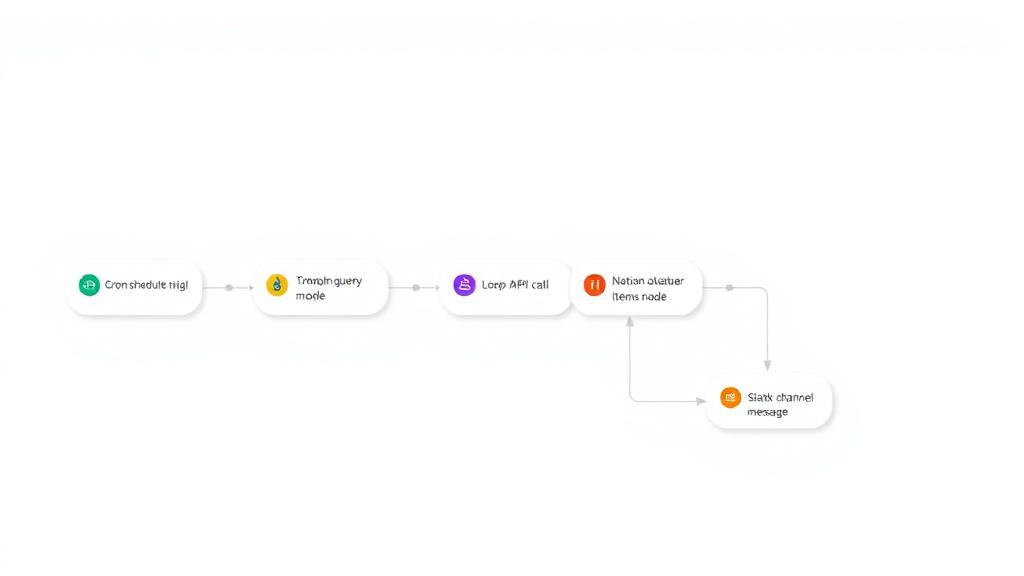
## Who is this for? - E-commerce store owners using Shopify - Product managers who need consistent product imagery - Marketing teams looking to automate visual content creation - Dropshipping businesses needing quick product photos ## What problem does this solve? Creating professional product images is time-consuming and expensive. This workflow eliminates the need for manual photo editing by automatically generating styled hero images and transparent PNGs ready for your product catalog. ## What this workflow does 1. Triggers when a new product is created in Shopify 2. Extracts product title, description, category, and tags 3. AI Agent analyzes the product data and uses the deAPI Prompt Booster tool to create an optimized image generation prompt 4. Generates a professional product image using deAPI 5. Removes background to create a transparent PNG version 6. Updates the Shopify product with both images (hero + transparent) ## Setup ### Requirements - Self-hosted n8n instance (deAPI node is not yet available on n8n Cloud) - [deAPI](https://deapi.ai) account for image generation and prompt boosting - Shopify scopes: `read_products`, `write_products`, `write_files` - Anthropic account for the AI Agent ### Installing the deAPI Node 1. Go to Settings → Community Nodes 2. Install `n8n-nodes-deapi` ### Configuration 1. Add your deAPI credentials (API key + webhook secret) 2. Add your Shopify credentials (Shop subdomain + APP secret key + Access token) 3. Add your Anthropic credentials (API key) 4. Ensure your n8n instance has an HTTPS webhook URL 5. [Set up](https://help.shopify.com/en/manual/fulfillment/setup/notifications/webhooks#create-webhooks) the webhook URL for the product creation event in Shopify ## How to customize this workflow - Change the AI model: Swap Anthropic for any other LLM providers - Adjust the prompt: Modify the AI Agent system message for different photography styles - Add more processing: Insert upscaling(e.g. deAPI Upscale an Image) or additional image transformations - Different e-commerce platform: Replace Shopify nodes with WooCommerce, BigCommerce, etc. - Add human review: Insert a Wait node + Slack notification before uploading to Shopify
What's Included
- Complete n8n workflow template with 0 nodes. Ready to import and customize.
Requirements
n8n instance (self-hosted or cloud). credentials.
How to Use
1. Download the workflow JSON 2. Import into your n8n instance 3. Configure credentials for 4. Activate and enjoy automation
Apps in this n8n workflow
How to import this template into n8n
- Download the workflow JSON file from this page.
- In n8n, open Workflows, create a new workflow and choose Import from File.
- Open each node that shows a warning and connect your own credentials.
- Run the workflow once manually to check the output before you activate it.
- Importable n8n workflow JSON file
- Download with Builder Pro or Agency Unlimited
- Built for n8n v1.0++
- Setup time: 15-30 min
Included in Builder Pro — $19/mo, 4,177 premium workflows
Before you activate
Templates are reviewed before they are listed. Test with your own credentials and data before running it in production.
100% Secure Checkout
Refund requests within 7 days of a new subscription
Dependencies & Requirements
⚠️ 1 service require credentials. Make sure you have accounts set up before importing.
0 reviews
No reviews yet.
Questions & Answers
Log in to ask a question.
No questions yet. Be the first to ask!
People Also Bought
Related Automation n8n templates
- Generate AI Videos with Google Veo3, Save to Google Drive and Upload to YouTube
- Scrape and summarize webpages with AI
- Create a Branded AI-Powered Website Chatbot
- Angie, Personal AI Assistant with Telegram Voice and Text
- AI agent chat
- Automated Web Scraping: email a CSV, save to Google Sheets & Microsoft Excel
- Respond to WhatsApp Messages with AI Like a Pro!
- Basic Automatic Gmail Email Labelling with OpenAI and Gmail API