Autonomous AI crawler
Curated by n8n Markets team
Last updated: March 8, 2026
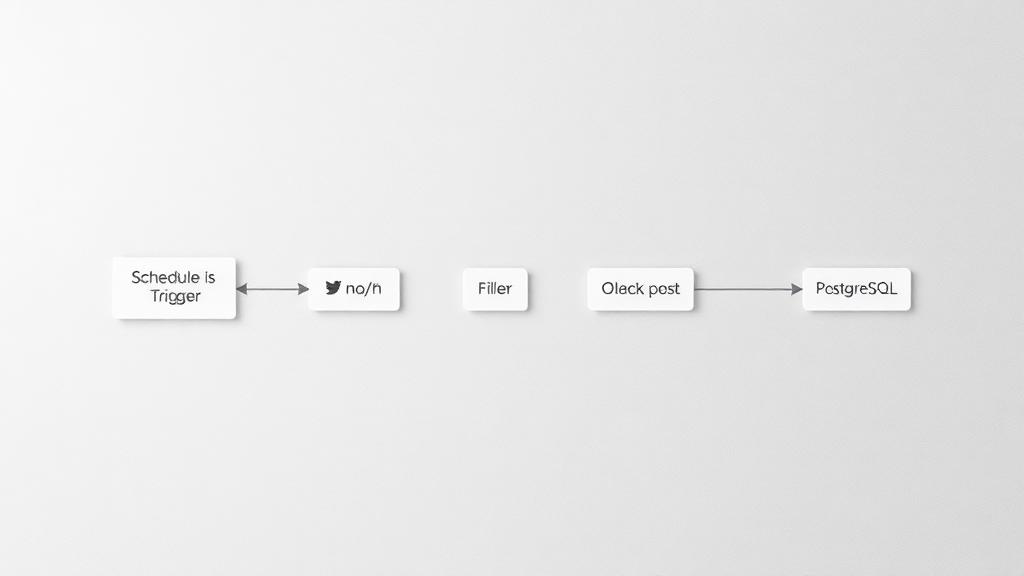
This workflow with AI agent is designed to navigate through the page to retrieve specific type of information (in this example: social media profile links). The agent is equipped with 2 tools: - text tool: to retrieve all the text from the page, - URLs tool: to extract all possible links from the page. 💡 You can edit prompt and JSON schema connected to the agent in order to return other data then social media profile links. 👉 This workflow uses Supabase as storage (input/output). Feel free to change it to any other database of your choice. 🎬 See this workflow in action [in my YouTube video](https://youtu.be/2W09puFZwtY). ## How it works? The workflow uses the input URL (website) as a starting point to retrieve the data (e.g. example.com). Using the "URLs tool", the agent is able to retrieve all links from the page and navigate to them. For example, if you want to retrieve contact information, agent will try to find a subpage that might contain this information (e.g. example.com/contact) and extract the information using the text tool. ## Set up steps 1. Connect database with input data (website addresses) or pin sample data to trigger node. 2. Configure the crawling agent to retrieve the desired data (e.g. modify prompt and/or parsing schema). 3. Set credentials for OpenAI. 4. Optionally: split agent tools to separate workflows. If you like this workflow, please subscribe to [my YouTube channel](https://www.youtube.com/@workfloows/) and/or [my newsletter](https://workfloows.com/).
What's Included
- Complete n8n workflow template with 0 nodes. Ready to import and customize.
Requirements
n8n instance (self-hosted or cloud). credentials.
How to Use
1. Download the workflow JSON 2. Import into your n8n instance 3. Configure credentials for 4. Activate and enjoy automation
How to import this template into n8n
- Download the workflow JSON file from this page.
- In n8n, open Workflows, create a new workflow and choose Import from File.
- Open each node that shows a warning and connect your own credentials.
- Run the workflow once manually to check the output before you activate it.
- Importable n8n workflow JSON file
- Download with Builder Pro or Agency Unlimited
- Built for n8n v1.0++
- Setup time: 5-15 min
Included in Builder Pro — $19/mo, 4,177 premium workflows
Before you activate
Templates are reviewed before they are listed. Test with your own credentials and data before running it in production.
100% Secure Checkout
Refund requests within 7 days of a new subscription
0 reviews
No reviews yet.
Questions & Answers
Log in to ask a question.
No questions yet. Be the first to ask!
People Also Bought
Related Automation n8n templates
- Generate AI Videos with Google Veo3, Save to Google Drive and Upload to YouTube
- Scrape and summarize webpages with AI
- Create a Branded AI-Powered Website Chatbot
- Angie, Personal AI Assistant with Telegram Voice and Text
- AI agent chat
- Automated Web Scraping: email a CSV, save to Google Sheets & Microsoft Excel
- Respond to WhatsApp Messages with AI Like a Pro!
- Basic Automatic Gmail Email Labelling with OpenAI and Gmail API