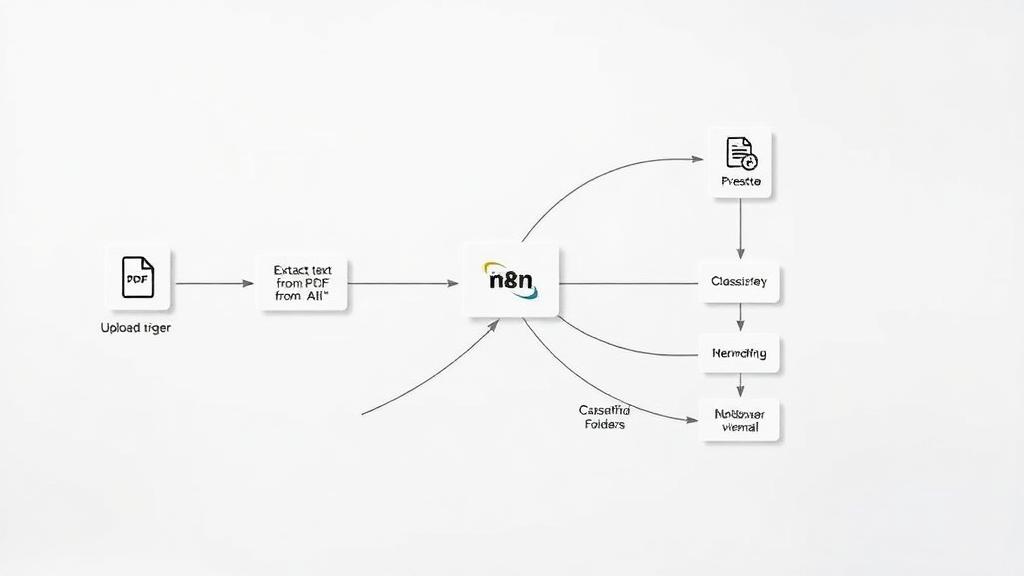
Automation flow from Notion to GitHub with email notifications
Curated by n8n Markets team
Last updated: March 8, 2026
This automation allows you to track feature requests in Notion, create GitHub issues automatically, and notify your team via email based on issue status. It's ideal for technical and functional teams who collaborate on project delivery using Notion and GitHub. ## 🔹 SECTION 1: Detect and Sort Issues from Notion Combining: Schedule Trigger + Notion Database + Field Mapping + Status Routing ## ⏰ 1. Schedule Trigger 🔧 Node Type: Schedule Trigger (you can use a webhook trigger if you are on Notion paid plan) ## 💬 Description: Triggers the workflow every X minutes to check for new or updated Notion database pages. ## 📑 2. Get Many Database Pages (Notion) 🔧 Node Type: Notion → Get All Database Pages ## 📋 What it does: Fetches all rows (pages) from a Notion database that represents tasks or feature requests. ✏️ 3. Sort Issues Fields 🔧 Node Type: Set ## 📋 Goal: Restructures or cleans data fields such as Title, Status, Labels, and Repository. ## 🔀 4. Switch: Issue Status Decision 🔧 Node Type: Switch ## 🎯 What it does: Separates logic based on the Status of the Notion item: If status is "To develop" → proceed to create issue Else → send notification to the team ## 🔹 SECTION 2: GitHub Issue Creation (IF "To develop") Combining: GitHub Node + Notion Update ## 🐙 5. Create an Issue (GitHub) 🔧 Node Type: GitHub → Create Issue ## ⚙️ What it does: Creates a new issue on the GitHub repo defined in the Notion row. ## 📥 Inputs: Uses dynamic fields: Title, Description, Labels, Repository. ## 🧩 6. Set Status and Issue URL (Notion Update) 🔧 Node Type: Notion → Update Database Page ## 🧠 Role: Updates the status of the issue in Notion to In progress and stores the created GitHub Issue URL. ## 🔹 SECTION 3: Notify Team on Already In-Progress Items (IF NOT "To develop") Combining: Notion Users + Filtering + Email Grouping + Gmail ## 👥 7. Get Many Users (Notion Users) 🔧 Node Type: Notion → Get All Users ## 📥 What it does: Retrieves the list of team members (to be notified). ## 🧠 8. Map Notion Users 🔧 Node Type: Set ## 📋 Role: Maps and formats data for each user (e.g., Name, Email, Role). ## 🧹 9. Exclude Bot 🔧 Node Type: Switch ## 🚫 What it does: Excludes automation/bot users (e.g., notifications@noreply). ## 🧮 10. Group Recipients 🔧 Node Type: Aggregate ## 🎯 Goal: Collects all user emails into a single array to send one email to all recipients. ## 📬 11. Send a Message (Gmail) 🔧 Node Type: Gmail → Send Email
What's Included
- Complete n8n workflow template with 0 nodes. Ready to import and customize.
Requirements
n8n instance (self-hosted or cloud). credentials.
How to Use
1. Download the workflow JSON 2. Import into your n8n instance 3. Configure credentials for 4. Activate and enjoy automation
Apps in this n8n workflow
How to import this template into n8n
- Download the workflow JSON file from this page.
- In n8n, open Workflows, create a new workflow and choose Import from File.
- Open each node that shows a warning and connect your own credentials.
- Run the workflow once manually to check the output before you activate it.
- Importable n8n workflow JSON file
- Download with Builder Pro or Agency Unlimited
- Built for n8n v1.0++
- Setup time: 5-15 min
Included in Builder Pro — $19/mo, 4,177 premium workflows
Before you activate
Templates are reviewed before they are listed. Test with your own credentials and data before running it in production.
100% Secure Checkout
Refund requests within 7 days of a new subscription
Dependencies & Requirements
⚠️ 1 service require credentials. Make sure you have accounts set up before importing.
0 reviews
No reviews yet.
Questions & Answers
Log in to ask a question.
No questions yet. Be the first to ask!
People Also Bought
Related Automation n8n templates
- Generate AI Videos with Google Veo3, Save to Google Drive and Upload to YouTube
- Scrape and summarize webpages with AI
- Create a Branded AI-Powered Website Chatbot
- Angie, Personal AI Assistant with Telegram Voice and Text
- AI agent chat
- Automated Web Scraping: email a CSV, save to Google Sheets & Microsoft Excel
- Respond to WhatsApp Messages with AI Like a Pro!
- Basic Automatic Gmail Email Labelling with OpenAI and Gmail API