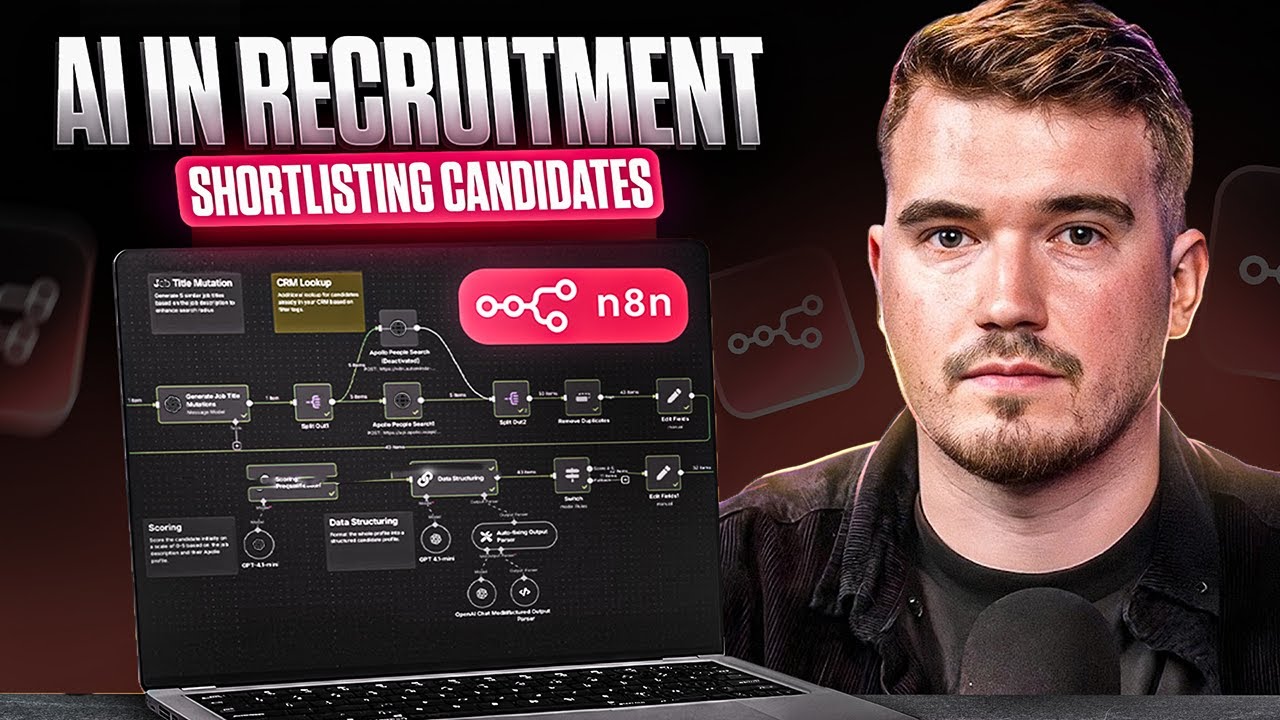
AI Recruiting Pipeline: Job to Candidate Shortlist with Apollo & Airtable
Curated by n8n Markets team
Last updated: March 8, 2026
## Who’s it for Recruiting agencies, executive search firms, and in-house talent teams that want to automate candidate sourcing and prequalification. Instead of spending hours searching, scoring, and writing outreach, this workflow turns any job description into a ready-to-use shortlist with personalized messages. ## Youtube Walkthrough [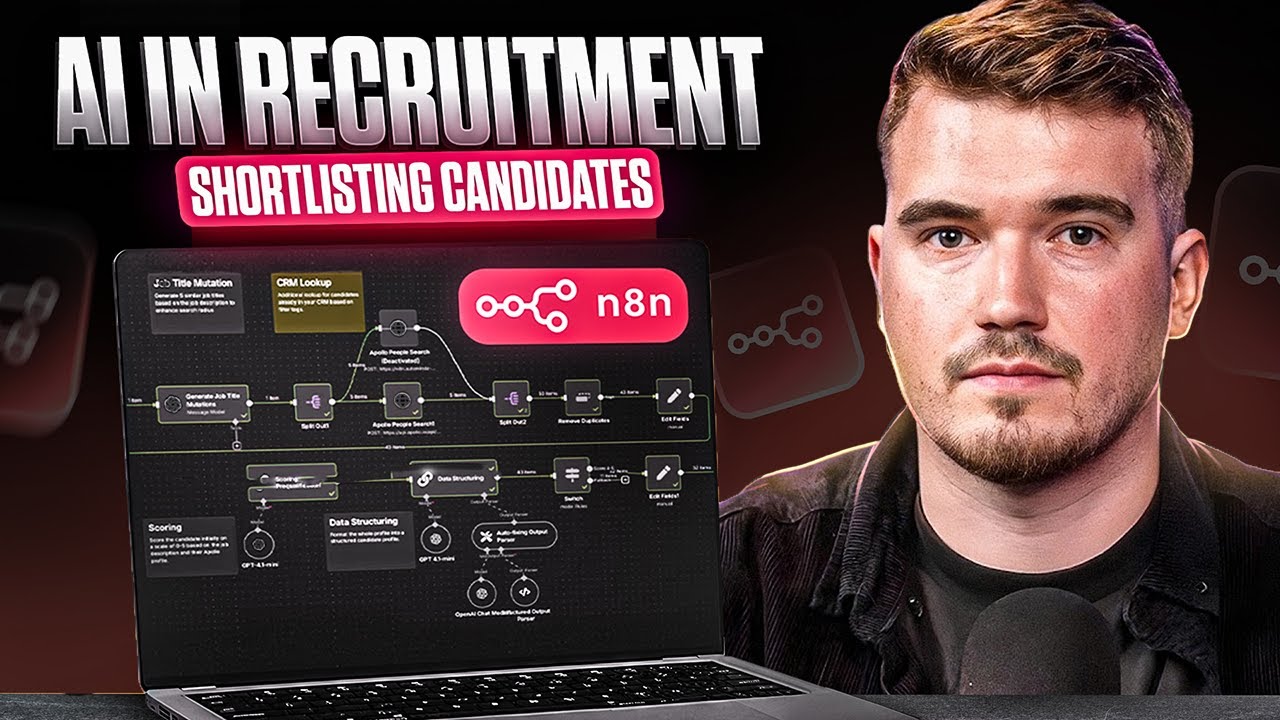](https://www.youtube.com/watch?v=ppbXEab8334) ## What it does (How it works) This workflow takes a job description (title, description, and location) and runs a complete recruiting automation pipeline: - Normalize job titles and generate variations to widen search coverage. - Search candidates in Apollo (or your CRM / database of choice). - Remove duplicates to keep clean lists. - Score candidates with AI (0–5) and provide concise reasoning across experience, industry, and seniority. - Enrich LinkedIn profiles (name, title, image, location, experience). - Create structured candidate assessments (summary, alignment, red flags, positives). - Generate outreach messages (email + LinkedIn DM) tailored to the candidate. - Write to Airtable for job/candidate tracking and downstream automation. Everything is plug-and-play, with no manual searching or copy-pasting required. ## Requirements - n8n (Cloud or self-hosted) - Airtable account + API access - Apollo API or your preferred candidate source - LLM provider: OpenAI or Anthropic - LinkedIn enrichment API (RapidAPI, Apify, etc.) > ⚠️ Do not hardcode API keys in HTTP nodes. Always use Credentials in n8n. ## Airtable table specifications Create one base (e.g., *Candidate Search – From Job Description*) with two tables: Jobs Table - `Job Title` (text) - `Job Description` (long text) - `Job Location` (text) - `Candidates` (linked to Candidates table) Candidates Table - Core fields: `Name`, `LinkedIn URL`, `Job Title`, `Location`, `Image URL`, `Job Searches` (linked) - Assessment fields: `Summary Fit Score`, `Executive Summary`, `Title Alignment`, `Skill Alignment`, `Industry Alignment`, `Seniority Alignment`, `Company Type Alignment`, `Educational Alignment`, `Potential Red Flags`, `Positive Signals`, `Final Recommendation`, `Next Steps Suggestion` - Outreach fields: `Email Subject`, `Email Body`, `LinkedIn Message` ## How to set up 1. Connect credentials Add Airtable, Apollo/CRM, and OpenAI/Anthropic credentials under n8n Credentials. 2. Create Airtable base/tables Follow the above spec for *Jobs* and *Candidates*. Match field names exactly to avoid mapping errors. 3. Configure the trigger The workflow starts from a Form/Webhook node. It captures: - Job Title (required) - Job Description (required) - Location (required) - Target Companies (optional, comma-separated domains) 4. Job title mutation The workflow uses an AI node to normalize the job title and generate up to 5 variations for broader candidate searches. 5. Candidate search Apollo (or your CRM API) is queried with the generated titles and location filters. Results are deduped. 6. AI scoring & structuring Candidates are scored 0–5 with clear reasoning (experience, industry, seniority, general fit). Profiles are formatted into structured JSON for Airtable. 7. LinkedIn enrichment Enrichment API fetches missing data (geo, image, job history). 8. Candidate assessment An AI model produces a full recruiter-ready evaluation (fit summary, strengths, red flags). 9. Outreach generation The workflow drafts a concise cold email (<75 words) and LinkedIn DM (<60 words), consultative in tone. 10. Write to Airtable All jobs and candidates (with assessments and outreach messages) are logged for review and integration. ## How to customize - Swap Apollo with your CRM (Greenhouse, Bullhorn, etc.). - Adjust scoring prompts to match your niche (sales, engineering, healthcare). - Add custom filters for target companies or industries. - Change outreach tone to align with your brand voice. - Limit by score (e.g., only push candidates with score ≥4). ## Security & best practices - Store all keys in n8n Credentials (never in nodes). - Use Set nodes to centralize editable variables (title, location, filters). - Always add sticky notes in your workflow explaining steps. - Rename nodes clearly for readability. ## Troubleshooting - No candidates found? Loosen title variations or broaden location. - Low fit scores? Refine keywords and required skills in scoring prompts. - Airtable errors? Double-check Base ID, Table ID, and field names. - API rate limits? Enable batching/pagination and increase intervals. --- SEO title: Build candidate shortlists from a job description to Airtable with Apollo, AI scoring, and personalized outreach Keywords: recruiting automation, Apollo people search, candidate enrichment, AI scoring, Airtable recruiting CRM, LinkedIn outreach, n8n workf
What's Included
- Complete n8n workflow template with 0 nodes. Ready to import and customize.
Requirements
n8n instance (self-hosted or cloud). credentials.
How to Use
1. Download the workflow JSON 2. Import into your n8n instance 3. Configure credentials for 4. Activate and enjoy automation
Apps in this n8n workflow
How to import this template into n8n
- Download the workflow JSON file from this page.
- In n8n, open Workflows, create a new workflow and choose Import from File.
- Open each node that shows a warning and connect your own credentials.
- Run the workflow once manually to check the output before you activate it.
- Importable n8n workflow JSON file
- Download with Builder Pro or Agency Unlimited
- Built for n8n v1.0++
- Setup time: 5-15 min
Included in Builder Pro — $19/mo, 4,177 premium workflows
Before you activate
Templates are reviewed before they are listed. Test with your own credentials and data before running it in production.
100% Secure Checkout
Refund requests within 7 days of a new subscription
Dependencies & Requirements
⚠️ 2 services require credentials. Make sure you have accounts set up before importing.
0 reviews
No reviews yet.
Questions & Answers
Log in to ask a question.
No questions yet. Be the first to ask!
People Also Bought
Related Automation n8n templates
- Generate AI Videos with Google Veo3, Save to Google Drive and Upload to YouTube
- Scrape and summarize webpages with AI
- Create a Branded AI-Powered Website Chatbot
- Angie, Personal AI Assistant with Telegram Voice and Text
- AI agent chat
- Automated Web Scraping: email a CSV, save to Google Sheets & Microsoft Excel
- Respond to WhatsApp Messages with AI Like a Pro!
- Basic Automatic Gmail Email Labelling with OpenAI and Gmail API