Twitter Keyword & Public-Figure Monitor with Automated Airtable Archiving
Curated by n8n Markets team
Last updated: March 8, 2026
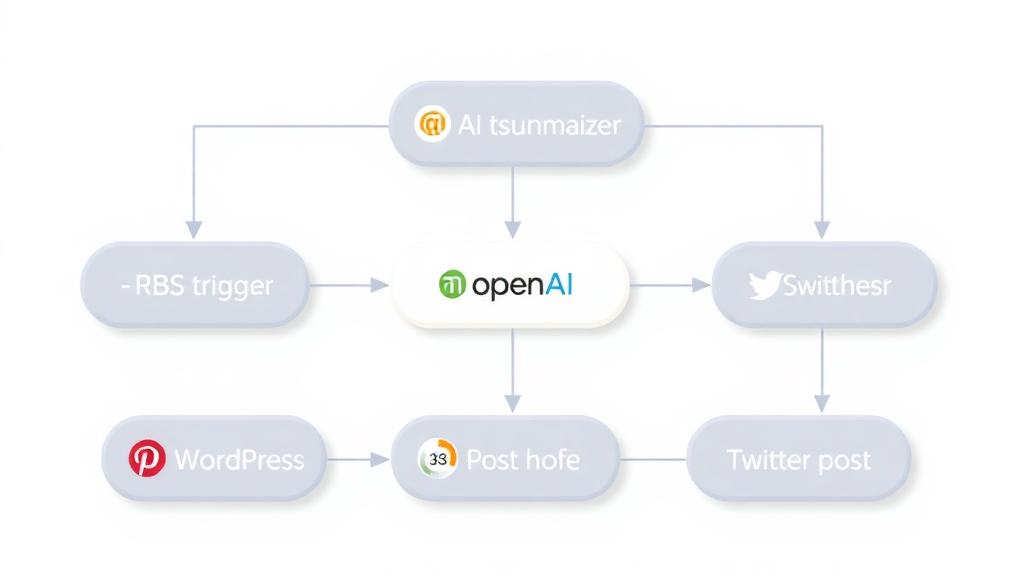
# Monitor & Archive Keyword Tweets to Airtable ## 📌 Overview Automatically searches Twitter for any keyword/topic (person, brand, hashtag), filters duplicates, and stores new tweets in Airtable with rich metadata - all on a daily schedule. ## 🛠️ Workflow Steps 1. ⏰ Schedule Trigger Runs daily at 8 AM (customizable) 2. 🐦 Twitter Search Fetches 100 latest tweets matching your keyword 3. 📦 Reformat Data Structures: - Text | Likes | ID | URL - Author | Timestamp 4. 🗂️ Fetch Airtable Records Retrieves existing tweet IDs 5. 🔍 Deduplicate Compares IDs to exclude duplicates 6. ➕ Append New Tweets Saves only fresh entries to Airtable ## 💡 Key Benefits - 🤖 Automated Monitoring: Near real-time tracking - 🧹 Clean Data: Zero duplicate entries - 📁 Structured Archive: Organized metadata for analysis - ⚙️ Fully Customizable: Adapt keywords/schedule/output ## 🧩 Perfect For - Social media analysts tracking brand mentions - Journalists monitoring public figures - Researchers archiving topic conversations - Marketing teams measuring campaign reach ## 🚀 Getting Started 1. Import into n8n 2. Connect Credentials: - Twitter API keys - Airtable base + table ID 3. Configure: - Search keyword (e.g., `"Narendra Modi"`) - Schedule timing 4. Run & Forget: - Initial run to backfill - Daily auto-archiving ## ✅ Enhancement Ideas + Add Filters: - Exclude retweets - Filter by language - Geolocation targeting + Notifications: - Slack alerts for new tweets - Email digests + AI Extensions: - Sentiment analysis - Auto-categorization - Trend reporting
What's Included
- Complete n8n workflow template with 0 nodes. Ready to import and customize.
Requirements
n8n instance (self-hosted or cloud). credentials.
How to Use
1. Download the workflow JSON 2. Import into your n8n instance 3. Configure credentials for 4. Activate and enjoy automation
Apps in this n8n workflow
How to import this template into n8n
- Download the workflow JSON file from this page.
- In n8n, open Workflows, create a new workflow and choose Import from File.
- Open each node that shows a warning and connect your own credentials.
- Run the workflow once manually to check the output before you activate it.
- Importable n8n workflow JSON file
- Download with Builder Pro or Agency Unlimited
- Built for n8n v1.0++
- Setup time: 5-15 min
Included in Builder Pro — $19/mo, 4,177 premium workflows
Before you activate
Templates are reviewed before they are listed. Test with your own credentials and data before running it in production.
100% Secure Checkout
Refund requests within 7 days of a new subscription
Dependencies & Requirements
⚠️ 1 service require credentials. Make sure you have accounts set up before importing.
0 reviews
No reviews yet.
Questions & Answers
Log in to ask a question.
No questions yet. Be the first to ask!
People Also Bought
Related Automation n8n templates
- Generate AI Videos with Google Veo3, Save to Google Drive and Upload to YouTube
- Scrape and summarize webpages with AI
- Create a Branded AI-Powered Website Chatbot
- Angie, Personal AI Assistant with Telegram Voice and Text
- AI agent chat
- Automated Web Scraping: email a CSV, save to Google Sheets & Microsoft Excel
- Respond to WhatsApp Messages with AI Like a Pro!
- Basic Automatic Gmail Email Labelling with OpenAI and Gmail API