Telegram AI Chatbot Agent with InfraNodus GraphRAG Knowledge Base
Curated by n8n Markets team
Last updated: March 8, 2026
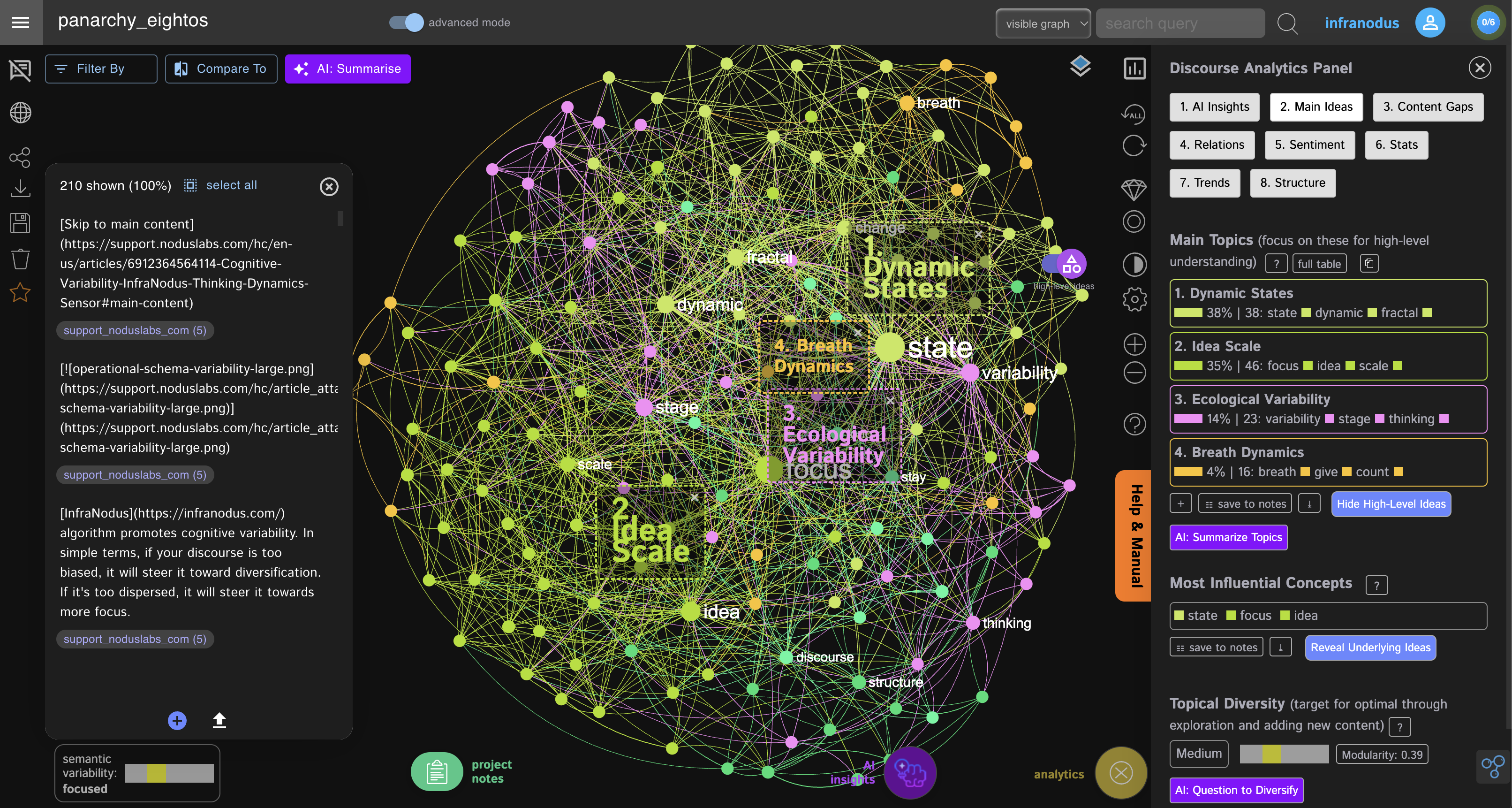
## Using the knowledge graphs instead of RAG vector stores This workflow creates a Telegram chatbot agent that has access to several knowledge bases at the same time (used as "experts"). These knowledge bases are provided using the [InfraNodus GraphRAG](https://infranodus.com/use-case/ai-knowledge-graphs) using the knowledge graphs and providing high-quality responses without the need to set up complex RAG vector store workflows. The advantages of using GraphRAG instead of the standard vector stores for knowledge are: - Easy and quick to set up and update (no complex data import workflows or vector stores needed) - A knowledge graph has a holistic view of your knowledge base and knows what it's about - Better retrieval of relations between the document chunks = higher quality responses 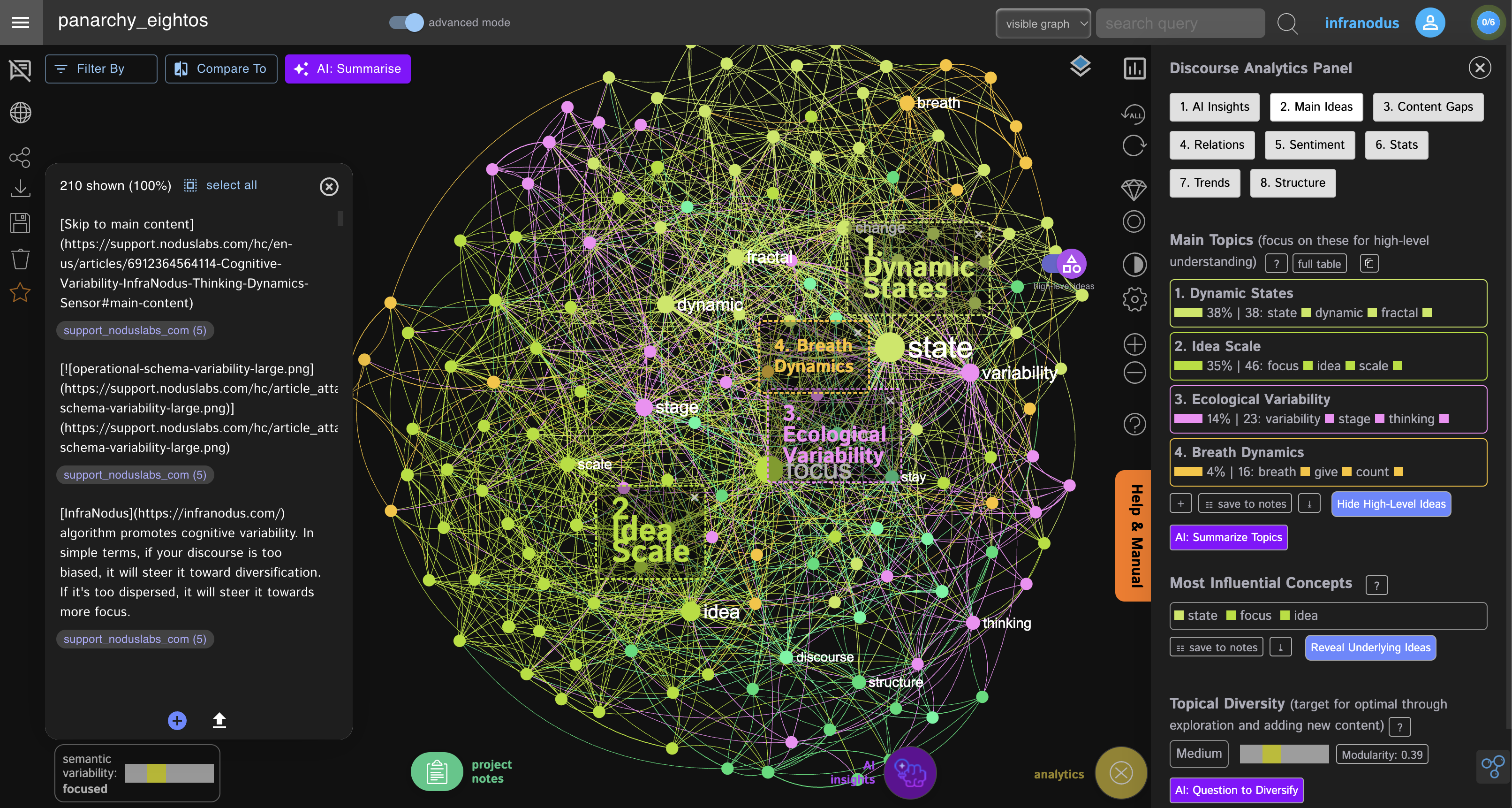 ## How it works This template uses the n8n AI agent node as an orchestrating agent that decides which tool (knowledge graph) to use based on the user's prompt. Here's a description step by step: - The user submits a question using the Telegram bot, which is then received in the n8n workflow via the Telegram trigger node. - The AI agent node checks a list of tools it has access to. Each tool has a description of the knowledge it has auto-generated by InfraNodus. - The AI agent decides which tool should be used to generate a response. It may reformulate user's query to be more suitable for the expert. - The query is then sent to the official InfraNodus Graph RAG Node or directly to the InfraNodus API via the HTTP node endpoint, which will query the graph that corresponds to that expert. - Each InfraNodus GraphRAG expert provides a rich response that takes the whole context into account and provides a response from each expert (graph) along with a list of relevant statements retrieved using a combination or RAG and GraphRAG. - The n8n AI Agent node integrates the responses received from the experts to produce the final answer. - The final answer is sent back to the Telegram bot who delivers it back to the private chat or a Telegram group. ## How to use You need an [InfraNodus GraphRAG API account and key](https://infranodus.com/use-case/ai-knowledge-graphs) to use this workflow. - Create an InfraNodus account - Get the API key at [https://infranodus.com/api-access](https://infranodus.com/api-access) and create a Bearer authorization key for the InfraNodus HTTP nodes. - Create a separate knowledge graph for each expert (using PDF / content import options) in InfraNodus - For each graph, go to the workflow, paste the name of the graph into the `body` `name` field. - Keep other settings intact or learn more about them at the [InfraNodus access points](https://support.noduslabs.com/hc/en-us/articles/13605983537692-InfraNodus-API-Access-Points) page. - Once you add one or more graphs as experts to your flow, add the LLM key to the OpenAI node - Create a Telegram bot (the instructions are in the workflow Post note) — it takes 30 seconds. Get its API key and create the Telegram credentials to use in the Telegram nodes in this workflow. ## Requirements - An [InfraNodus](https://infranodus.com/use-case/ai-knowledge-graphs) account and API key - An OpenAI (or any other LLM) API key - A Telegram account ## Customizing this workflow You can use this same workflow with a standard AI chatbot via a URL that can also be embedded to any website. You can also use it with [ElevenLabs AI voice agent](https://support.noduslabs.com/hc/en-us/articles/20318967066396-How-to-Build-a-Text-Voice-AI-Agent-Chatbot-with-n8n-Elevenlabs-and-InfraNodus). There are many more customizations available. Check out the complete guide at [https://support.noduslabs.com/hc/en-us/articles/20174217658396-Using-InfraNodus-Knowledge-Graphs-as-Experts-for-AI-Chatbot-Agents-in-n8n](https://support.noduslabs.com/hc/en-us/articles/20174217658396-Using-InfraNodus-Knowledge-Graphs-as-Experts-for-AI-Chatbot-Agents-in-n8n) Also check out the video tutorial with a demo: [](https://www.youtube.com/watch?v=kS0QTUvcH6E) ## Support If you have any questions, contact us via the support portal at [https://support.noduslabs.com](https://support.noduslabs.com) or via our [Discord channel](https://discord.gg/v4BWAvTfB9). More n8n workflows are available on our support portal: [n8n x InfraNodus AI automation workflows](https://support.noduslabs.com/hc/en-us/sections/18343587412252-AI-RAG-GraphRAG-and-LLM-Workflows).
What's Included
- Complete n8n workflow template with 0 nodes. Ready to import and customize.
Requirements
n8n instance (self-hosted or cloud). credentials.
How to Use
1. Download the workflow JSON 2. Import into your n8n instance 3. Configure credentials for 4. Activate and enjoy automation
Apps in this n8n workflow
How to import this template into n8n
- Download the workflow JSON file from this page.
- In n8n, open Workflows, create a new workflow and choose Import from File.
- Open each node that shows a warning and connect your own credentials.
- Run the workflow once manually to check the output before you activate it.
- Importable n8n workflow JSON file
- Download with Builder Pro or Agency Unlimited
- Built for n8n v1.0++
- Setup time: 5-15 min
Included in Builder Pro — $19/mo, 4,177 premium workflows
Before you activate
Templates are reviewed before they are listed. Test with your own credentials and data before running it in production.
100% Secure Checkout
Refund requests within 7 days of a new subscription
Dependencies & Requirements
⚠️ 1 service require credentials. Make sure you have accounts set up before importing.
0 reviews
No reviews yet.
Questions & Answers
Log in to ask a question.
No questions yet. Be the first to ask!
People Also Bought
Related Automation n8n templates
- Generate AI Videos with Google Veo3, Save to Google Drive and Upload to YouTube
- Scrape and summarize webpages with AI
- Create a Branded AI-Powered Website Chatbot
- Angie, Personal AI Assistant with Telegram Voice and Text
- AI agent chat
- Automated Web Scraping: email a CSV, save to Google Sheets & Microsoft Excel
- Respond to WhatsApp Messages with AI Like a Pro!
- Basic Automatic Gmail Email Labelling with OpenAI and Gmail API