Slack AI Chatbot for business team with RAG, Claude 3.7 Sonnet and Google Drive
Curated by n8n Markets team
Last updated: March 8, 2026
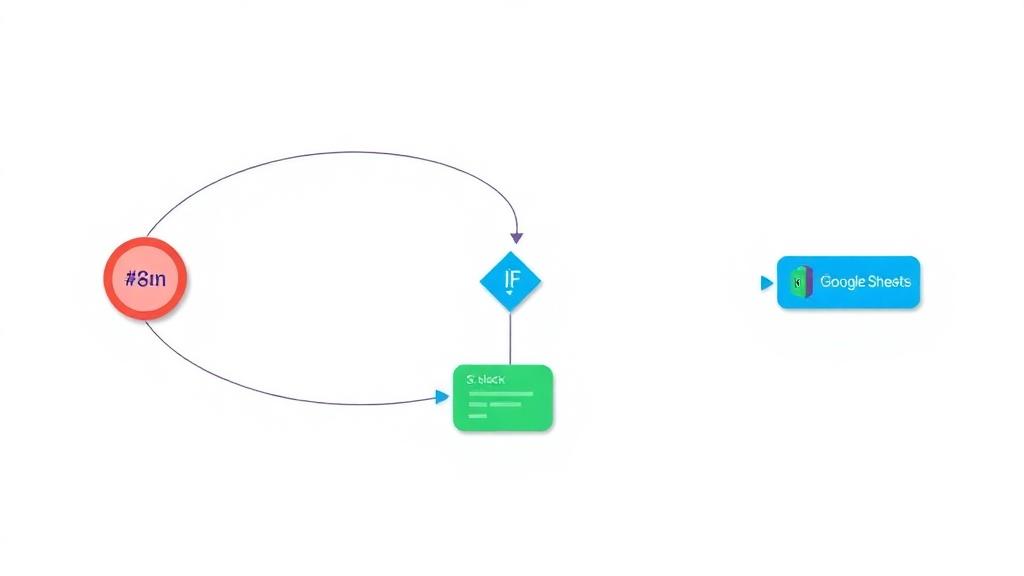
Imagine having an AI chatbot on Slack that seamlessly integrates with your company’s workflow, automating repetitive requests. No more digging through emails or documents to find answers about IT requests, company policies, or vacation days—just ask the bot, and it will instantly provide the right information. With its 24/7 availability, the chatbot ensures that team members get immediate support without waiting for a colleague to be online, making assistance faster and more efficient. Moreover, this AI-powered bot serves as a central hub for internal communication, allowing everyone to quickly access procedures, documents, and company knowledge without searching manually. A simple Slack message is all it takes to get the information you need, enhancing productivity and collaboration across teams. ----- #### How It Works 1. Slack Trigger: The workflow starts when a user mentions the AI bot in a Slack channel. The trigger captures the message and forwards it to the AI Agent. 2. AI Agent Processing: - The AI Agent, powered by Anthropic's Claude 3.7 Sonnet model, processes the query. - It uses Retrieval-Augmented Generation (RAG) to fetch relevant information from the company’s internal knowledge base stored in Qdrant (a vector database). - A Simple Memory buffer retains recent conversation context (last 10 messages) for continuity. 3. Knowledge Retrieval: - The RAG tool searches Qdrant’s vector store using OpenAI embeddings to find the most relevant document chunks (top 10 matches). 4. Response Generation: - The AI synthesizes the retrieved data into a concise, structured response (1-2 sentences for the answer, 2-3 supporting details, and a source citation). - The response is formatted in Slack-friendly markdown (bullet points, blockquotes) and sent back to the user. --- #### Set Up Steps 1. Prepare Qdrant Vector Database: - Create a Qdrant collection via HTTP request (`Create collection` node). - Optionally, refresh/clear the collection (`Refresh collection` node) before adding new documents. 2. Load Company Documents: - Fetch files from a Google Drive folder (`Get folder` → `Download Files`). - Process documents: Split text into chunks (`Token Splitter`) and generate embeddings (`Embeddings OpenAI2`). - Store embeddings in Qdrant (`Qdrant Vector Store1`). 3. Configure Slack Bot: - Create a Slack bot via Slack API with required permissions - Add the bot to the desired Slack channel and note the `channelId` for the workflow. 4. Deploy AI Components: - Connect the AI Agent to Anthropic’s model, RAG tool, and memory buffer. - Ensure OpenAI embeddings are configured for both RAG and document processing. 5. Test & Activate: - Use the manual trigger (`When clicking ‘Test workflow’`) to validate document ingestion. - Activate the workflow to enable real-time Slack interactions. ---- ### Need help customizing? [Contact me](mailto:info@n3w.it) for consulting and support or add me on [Linkedin](https://www.linkedin.com/in/davideboizza/).
What's Included
- Complete n8n workflow template with 0 nodes. Ready to import and customize.
Requirements
n8n instance (self-hosted or cloud). credentials.
How to Use
1. Download the workflow JSON 2. Import into your n8n instance 3. Configure credentials for 4. Activate and enjoy automation
Apps in this n8n workflow
How to import this template into n8n
- Download the workflow JSON file from this page.
- In n8n, open Workflows, create a new workflow and choose Import from File.
- Open each node that shows a warning and connect your own credentials.
- Run the workflow once manually to check the output before you activate it.
- Importable n8n workflow JSON file
- Download with Builder Pro or Agency Unlimited
- Built for n8n v1.0++
- Setup time: 5-15 min
Included in Builder Pro — $19/mo, 4,177 premium workflows
Before you activate
Templates are reviewed before they are listed. Test with your own credentials and data before running it in production.
100% Secure Checkout
Refund requests within 7 days of a new subscription
Dependencies & Requirements
⚠️ 2 services require credentials. Make sure you have accounts set up before importing.
0 reviews
No reviews yet.
Questions & Answers
Log in to ask a question.
No questions yet. Be the first to ask!
People Also Bought
Related Automation n8n templates
- Generate AI Videos with Google Veo3, Save to Google Drive and Upload to YouTube
- Scrape and summarize webpages with AI
- Create a Branded AI-Powered Website Chatbot
- Angie, Personal AI Assistant with Telegram Voice and Text
- AI agent chat
- Automated Web Scraping: email a CSV, save to Google Sheets & Microsoft Excel
- Respond to WhatsApp Messages with AI Like a Pro!
- Basic Automatic Gmail Email Labelling with OpenAI and Gmail API