Extract and Clean YouTube Video Transcripts with RapidAPI
Curated by n8n Markets team
Last updated: March 8, 2026
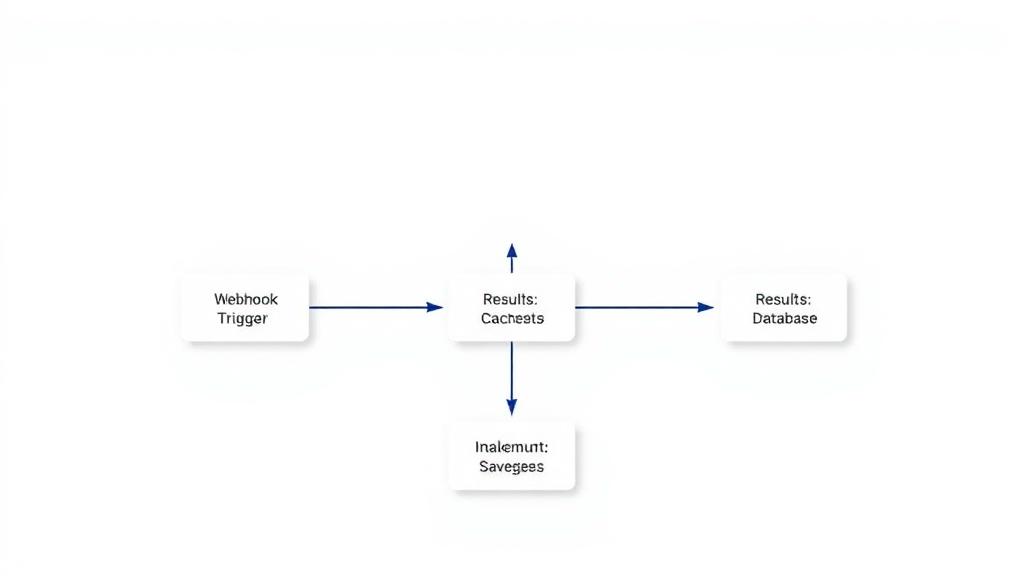
Here is your refined template description with detailed step-by-step instructions, markdown formatting, and customization guidance. --- # YouTube Transcript Extraction Workflow This n8n workflow extracts and processes transcripts from YouTube videos using the YouTube Transcript API on RapidAPI. It allows users to retrieve subtitles from YouTube videos, clean them up, and return structured transcript data for further processing. ## Table of Contents - [Problem Statement & Target Audience](#problem-statement--target-audience) - [Pre-conditions & API Requirements](#pre-conditions--api-requirements) - [Step-by-Step Workflow Explanation](#step-by-step-workflow-explanation) - [Customization Guide](#customization-guide) - [How to Set Up This Workflow](#how-to-set-up-this-workflow) --- ## Problem Statement & Target Audience ### Who is this for? This workflow is ideal for content creators, researchers, and developers who need to: - Extract subtitles from YouTube videos automatically. - Format and clean transcript data for readability. - Use transcripts for summarization, content repurposing, or language analysis. --- ## Pre-conditions & API Requirements ### API Required - YouTube Transcript API ([RapidAPI](https://rapidapi.com/solid-api-solid-api-default/api/youtube-transcript3/playground)) ### n8n Setup Prerequisites - A running n8n instance ([Installation Guide](https://docs.n8n.io/)) - A RapidAPI account to access the YouTube Transcript API - An API key from RapidAPI to authenticate requests --- ## Step-by-Step Workflow Explanation ### 1. Input YouTube Video URL (Trigger) - This step provides a simple input form where users enter a YouTube video URL. ### 2. HTTP Request Node (Retrieve Transcript Data) - Makes a POST request to the YouTube Transcript API via RapidAPI. - Passes the video URL received from the input form. - Uses an environment variable to store the API key securely. ### 3. Function Node (Process Transcript) - Receives the API response containing the raw transcript. - Processes and cleans the transcript: - Removes unwanted characters. - Formats text for readability. - Handles errors when no transcript is available. - Outputs both the raw and cleaned transcript for further use. ### 4. Set Field Node (Response Formatting) - Structures the processed transcript data into a user-friendly format. - Returns the final transcript data to the client. --- ## Customization Guide ### 1. Modify Transcript Cleaning Rules - Update the Function Node to apply custom text processing, such as: - Removing timestamps. - Changing the output format (e.g., JSON, plain text). ### 2. Store Transcripts in a Database - Add a Database Node (e.g., MySQL, PostgreSQL, or Firebase) to save transcripts. ### 3. Generate Summaries from Transcripts - Integrate AI services (e.g., OpenAI, Google Gemini) to summarize transcripts. ### 4. Convert Transcripts into Speech - Use ElevenLabs API to generate an AI-powered voiceover from transcripts. --- ## How to Set Up This Workflow ### Step 1: Import the Workflow into n8n - Download or copy the workflow JSON file. - Import it into your n8n instance. ### Step 2: Set Up the API Key - Sign up for the [YouTube Transcript API](https://rapidapi.com/solid-api-solid-api-default/api/youtube-transcript3/playground). - Subscribe to the api. - Copy and paste your api key where the "your_api_key" is. ### Step 3: Activate the Workflow - Start the workflow in n8n. - Enter a YouTube video URL in the input form. - The workflow will return a cleaned transcript. --- This workflow ensures seamless YouTube transcript extraction and processing with minimal manual effort. 🚀
What's Included
- Complete n8n workflow template with 0 nodes. Ready to import and customize.
Requirements
n8n instance (self-hosted or cloud). credentials.
How to Use
1. Download the workflow JSON 2. Import into your n8n instance 3. Configure credentials for 4. Activate and enjoy automation
How to import this template into n8n
- Download the workflow JSON file from this page.
- In n8n, open Workflows, create a new workflow and choose Import from File.
- Open each node that shows a warning and connect your own credentials.
- Run the workflow once manually to check the output before you activate it.
- Importable n8n workflow JSON file
- Download with Builder Pro or Agency Unlimited
- Built for n8n v1.0++
- Setup time: 5-15 min
Included in Builder Pro — $19/mo, 4,177 premium workflows
Before you activate
Templates are reviewed before they are listed. Test with your own credentials and data before running it in production.
100% Secure Checkout
Refund requests within 7 days of a new subscription
0 reviews
No reviews yet.
Questions & Answers
Log in to ask a question.
No questions yet. Be the first to ask!
People Also Bought
Related Automation n8n templates
- Generate AI Videos with Google Veo3, Save to Google Drive and Upload to YouTube
- Scrape and summarize webpages with AI
- Create a Branded AI-Powered Website Chatbot
- Angie, Personal AI Assistant with Telegram Voice and Text
- AI agent chat
- Automated Web Scraping: email a CSV, save to Google Sheets & Microsoft Excel
- Respond to WhatsApp Messages with AI Like a Pro!
- Basic Automatic Gmail Email Labelling with OpenAI and Gmail API