Automate Lead Intelligence & Outreach with GPT-4o, LinkedIn, HubSpot & Outlook
Curated by n8n Markets team
Last updated: April 6, 2026
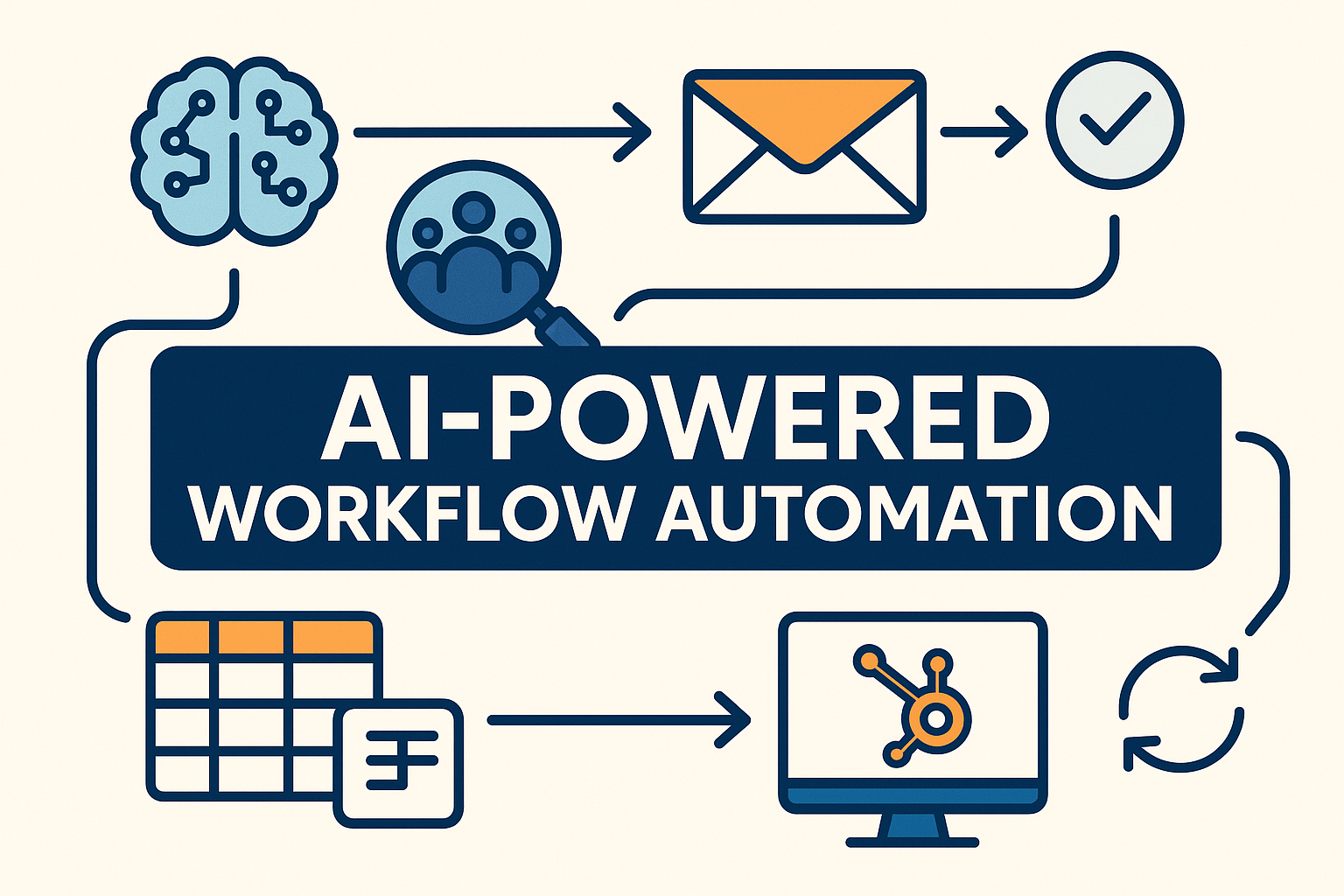
# AI Lead Intelligence & Outreach: Verified Emails, HubSpot Sync & Outlook Drafts  ## Who is this for? This workflow is designed for sales/RevOps teams, B2B founders, SDR/AE teams, and agencies who live in HubSpot and need consistent, compliant first-touch outreach at scale. If you regularly build reusable, multi-client n8n automations, this template will save you hours of manual work. --- ## What problem is this workflow solving? / Use case Manual lead handling is slow and inconsistent: - Leads arrive messy across forms, lists, and imports; ownership and priority are unclear. - Finding the right decision-maker and a deliverable email takes too long. - Outreach copy drifts from brand guidelines, and CRM updates get missed. This workflow solves the problem by creating a reliable pipeline from capture → enrichment → verification → CRM sync → Outlook draft, cutting handoffs and preserving auditability. --- ## What this workflow does 1. Capture and batching - Triggers on new/updated leads in HubSpot or pulls "ready" rows from Google Sheets; processes items sequentially to stay rate-safe. 2. Normalize and score (ICP) - Cleans names, company, and domains; applies configurable ICP rules and writes score plus reasoning back to HubSpot/Sheets. 3. Enrich contacts - Confirms official company details and identifies likely decision-makers via focused people searches; dedupes and role-normalizes. 4. Verify emails - Finds work emails, checks deliverability, and logs confidence and timestamps to a tracking sheet immediately after each result. 5. Compose outreach - Calls the approved template in `Email content`; personalizes only the first name; validates structure via `Structured Output Parser`. 6. Draft in Outlook - Uses Microsoft Graph to create an HTML draft; embeds an inline signature image fetched from Google Drive. 7. CRM sync and tasks - Creates/updates HubSpot contacts and associations, stores the composed email in properties, and opens a next-day follow-up task for the owner. 8. Safety and observability - Deterministic prompts, strict parsing, idempotent writes, and clear flags prevent duplicates; optional Slack/Teams alerts for failures. --- ## Setup 1. Connect your accounts: - HubSpot (app token) - Microsoft Graph (OAuth2) - Google Sheets - Google Drive - Your LLM provider (for `Level 2 Orchestrator` and `Email content`) 2. Set your credentials in the respective nodes. 3. Adjust the Google Sheet IDs to match your own sheet structure. 4. Map HubSpot properties (owner, contact/company IDs, custom fields for score, reasoning, and email content). 5. Paste your approved HTML in `Email content` and upload your signature image to Drive. 6. Configure schedule, batch size, and any Slack/Teams webhooks for notifications. --- ## How to customize this workflow to your needs - ICP logic: Edit scoring weights and required qualifiers (industry, region, size, tech stack). - Personas: Change role detection and caps (e.g., Ops, Finance, Procurement). - Copy control: Swap the template in `Email content` or add A/B variants while keeping structure validation. - Triggers: Use webhook capture from forms, list-based pulls, or time-based recrawls. - Delivery: Switch the mail node to Gmail API if preferred; keep the same compose/verify/track sequence. - Governance: Add holdouts, opt-out checks, and rate limits per domain or owner; expand logs for export to a data warehouse. --- ✨ With this workflow, you go from messy inbound leads → verified contacts → synchronized HubSpot records → ready-to-send Outlook drafts in just minutes, with almost no manual work. --- ## Need help customizing? Contact me for consulting and support: [click here](https://kumarshivam.link/)
What's Included
- Complete n8n workflow template with 0 nodes. Ready to import and customize.
Requirements
n8n instance (self-hosted or cloud). credentials.
How to Use
1. Download the workflow JSON 2. Import into your n8n instance 3. Configure credentials for 4. Activate and enjoy automation
Apps in this n8n workflow
How to import this template into n8n
- Download the workflow JSON file from this page.
- In n8n, open Workflows, create a new workflow and choose Import from File.
- Open each node that shows a warning and connect your own credentials.
- Run the workflow once manually to check the output before you activate it.
- Importable n8n workflow JSON file
- Download with Builder Pro or Agency Unlimited
- Built for n8n v1.0++
- Setup time: 30-60 min
Included in Builder Pro — $19/mo, 4,177 premium workflows
Before you activate
Templates are reviewed before they are listed. Test with your own credentials and data before running it in production.
100% Secure Checkout
Refund requests within 7 days of a new subscription
Dependencies & Requirements
⚠️ 2 services require credentials. Make sure you have accounts set up before importing.
0 reviews
No reviews yet.
Questions & Answers
Log in to ask a question.
No questions yet. Be the first to ask!
People Also Bought
Related Automation n8n templates
- Generate AI Videos with Google Veo3, Save to Google Drive and Upload to YouTube
- Scrape and summarize webpages with AI
- Create a Branded AI-Powered Website Chatbot
- Angie, Personal AI Assistant with Telegram Voice and Text
- AI agent chat
- Automated Web Scraping: email a CSV, save to Google Sheets & Microsoft Excel
- Respond to WhatsApp Messages with AI Like a Pro!
- Basic Automatic Gmail Email Labelling with OpenAI and Gmail API