Approval-Gated AI Lead Intake Workflow
Curated by n8n Markets team
Last updated: July 5, 2026
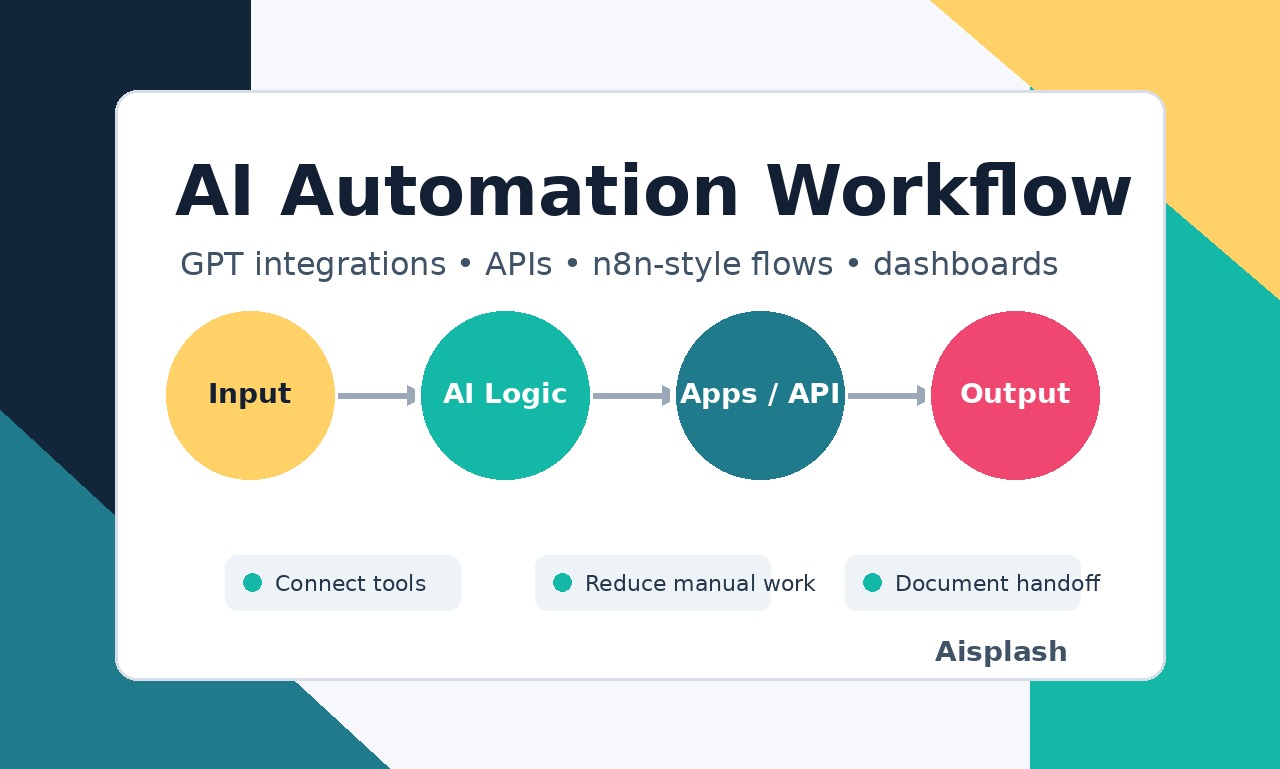
This workflow template helps teams handle inbound leads without launching an unsupervised sales bot. It takes a new lead payload, normalizes the fields, classifies the lead as hot, warm, or needs review, logs the result, prepares an owner alert, and drafts a reply for human approval. It is designed for service businesses, agencies, consultants, and operations teams that want faster follow-up while keeping a person in the loop before any message is sent. Use it as a safe starting pattern for web forms, inbox exports, CRM intake, or webhook-based lead routing. The included sample data and acceptance checks make it easier to adapt the workflow before connecting live business accounts.
What's Included
- n8n workflow JSON export
- Lead classification rules for hot, warm, and review cases
- Sample payload structure for testing
- Approval-gated reply draft pattern
- Owner alert and tracking-row pattern
- Setup notes and acceptance-test checklist
- Companion mini-audit/report generator in the full local pack
- Example mini-audit output for understanding buyer use cases
Requirements
- n8n instance or n8n Cloud account - Basic comfort importing workflow JSON - A lead source such as a form, webhook, CRM export, or sample payload - Optional Google Sheets, CRM, Slack, Telegram, or email connection if you adapt the output nodes - Human review process before enabling any live replies Do not connect real buyer systems until the sample payload tests pass and your team has approved the routing rules.
How to Use
1. Import the workflow JSON into n8n. 2. Open the sample trigger/payload node and run the sample leads first. 3. Review the classification output and adjust scoring terms for your business. 4. Connect a Sheet, CRM, or internal tracking destination only after sample tests pass. 5. Keep the reply branch in draft/manual approval mode at launch. 6. Test hot, warm, risky/refund, and malformed inputs before using live leads. 7. Turn on production credentials only after a human owner has reviewed the workflow behavior.
How to import this template into n8n
- Download the workflow JSON file from this page.
- In n8n, open Workflows, create a new workflow and choose Import from File.
- Open each node that shows a warning and connect your own credentials.
- Run the workflow once manually to check the output before you activate it.
- Importable n8n workflow JSON file
- Download with Builder Pro or Agency Unlimited
- Built for n8n v1.40++
- Setup time: 30 minutes
Included in Builder Pro — $19/mo, 4,177 premium workflows
Before you activate
Templates are reviewed before they are listed. Test with your own credentials and data before running it in production.
100% Secure Checkout
Refund requests within 7 days of a new subscription
0 reviews
No reviews yet.
Questions & Answers
Log in to ask a question.
No questions yet. Be the first to ask!
People Also Bought
Related Lead Generation n8n templates
- Webhook Error Digest Starter
- Support SLA Breach Alert Starter
- Maintenance Request Triage Starter
- Invoice Payment Follow-up Starter
- Omnichannel Progressive Profiling & MEDDIC Scorer
- Website Lead Triage to Sheets and Gmail
- AI Lead Finder Agent — Find Local Businesses & Auto-Draft Personalized Outreach
- Lead Harvester Pro