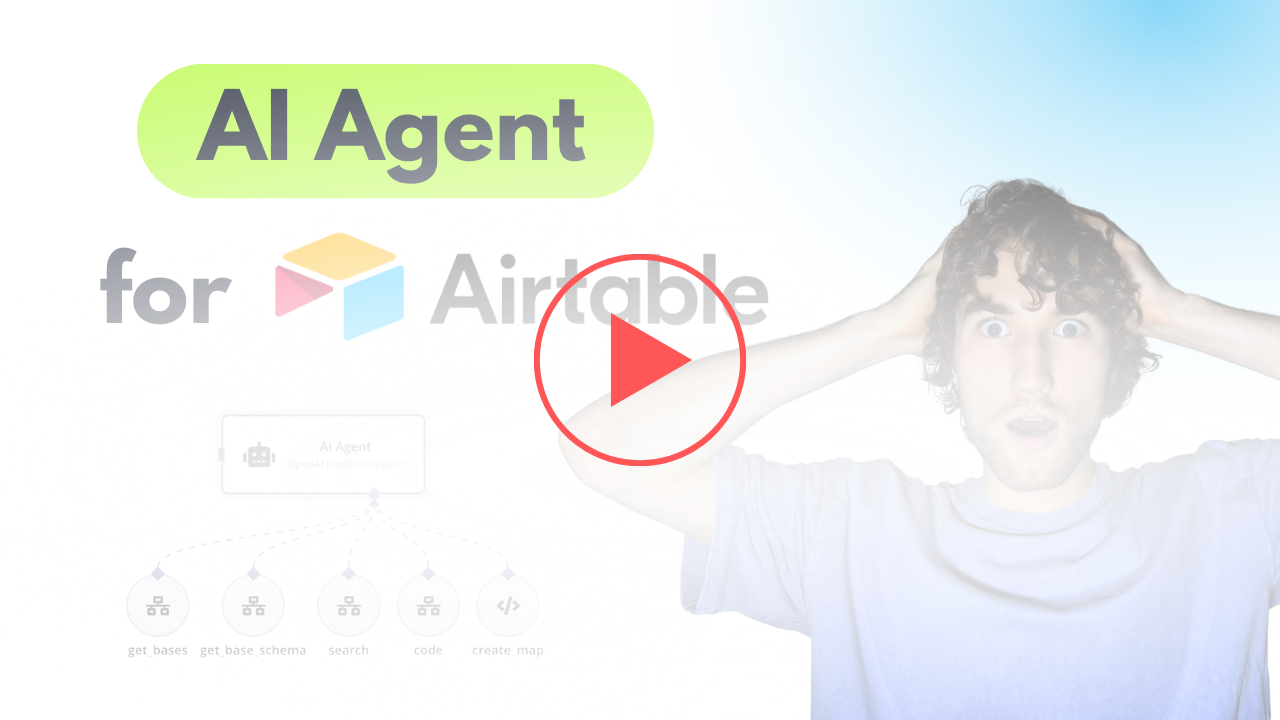
AI Agent to chat with Airtable and analyze data
Curated by n8n Markets team
Last updated: March 8, 2026
### Video Guide I prepared a detailed guide that shows the entire process of building an AI agent that integrates with Airtable data in n8n. This template covers everything from data preparation to advanced configurations. [](https://youtu.be/SotqsAZEhdc) [Youtube Link](https://youtu.be/SotqsAZEhdc) ### Who is this for? This workflow is designed for developers, data analysts, and business owners who want to create an AI-powered conversational agent integrated with Airtable datasets. It is particularly useful for users looking to enhance data interaction through chat interfaces. ### What problem does this workflow solve? Engaging with data stored in Airtable often requires manual navigation and time-consuming searches. This workflow allows users to interact conversationally with their datasets, retrieving essential information quickly while minimizing the need for complex queries. ### What this workflow does This workflow enables an AI agent to facilitate chat interactions over Airtable data. The agent can: - Retrieve order records, product details, and other relevant data. - Execute mathematical functions to analyze data such as calculating averages and totals. - Optionally generate maps for geographic data visualization. 1. Dynamic Data Retrieval: The agent uses user prompts to dynamically query the dataset. 2. Memory Management: It retains context during conversations, allowing users to engage in a more natural dialogue. 3. Search and Filter Capabilities: Users can perform tailored searches with specific parameters or filters to refine their results. ### Set up steps 1. Separate workflows: - Create additional workflow and move there Workflow 2. 2. Replace credentials: - Replace connections and credentials in all nodes. 3. Start chat: - Ask questions and don't forget to mention required base name.
What's Included
- Complete n8n workflow template with 0 nodes. Ready to import and customize.
Requirements
n8n instance (self-hosted or cloud). credentials.
How to Use
1. Download the workflow JSON 2. Import into your n8n instance 3. Configure credentials for 4. Activate and enjoy automation
Apps in this n8n workflow
How to import this template into n8n
- Download the workflow JSON file from this page.
- In n8n, open Workflows, create a new workflow and choose Import from File.
- Open each node that shows a warning and connect your own credentials.
- Run the workflow once manually to check the output before you activate it.
- Importable n8n workflow JSON file
- Download with Builder Pro or Agency Unlimited
- Built for n8n v1.0++
- Setup time: 5-15 min
Included in Builder Pro — $19/mo, 4,177 premium workflows
Before you activate
Templates are reviewed before they are listed. Test with your own credentials and data before running it in production.
100% Secure Checkout
Refund requests within 7 days of a new subscription
Dependencies & Requirements
⚠️ 2 services require credentials. Make sure you have accounts set up before importing.
0 reviews
No reviews yet.
Questions & Answers
Log in to ask a question.
No questions yet. Be the first to ask!
People Also Bought
Related Automation n8n templates
- Generate AI Videos with Google Veo3, Save to Google Drive and Upload to YouTube
- Scrape and summarize webpages with AI
- Create a Branded AI-Powered Website Chatbot
- Angie, Personal AI Assistant with Telegram Voice and Text
- AI agent chat
- Automated Web Scraping: email a CSV, save to Google Sheets & Microsoft Excel
- Respond to WhatsApp Messages with AI Like a Pro!
- Basic Automatic Gmail Email Labelling with OpenAI and Gmail API