One-way sync between Telegram, Notion, Google Drive, and Google Sheets
Curated by n8n Markets team
Last updated: March 8, 2026
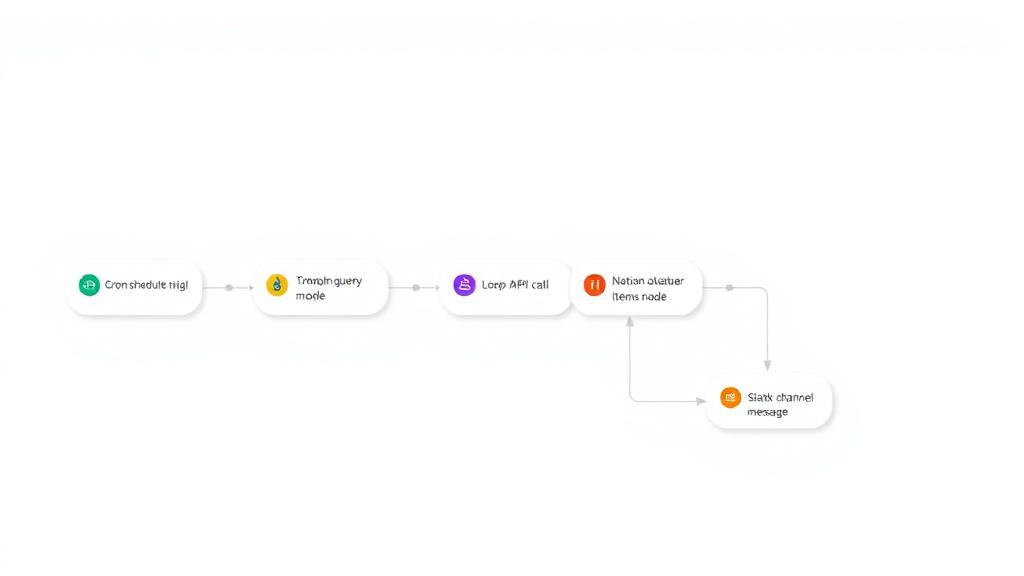
# One-way sync between Telegram, Notion, Google Drive, and Google Sheets ## Who is this for? This workflow is perfect for productivity-focused teams, remote workers, virtual assistants, and digital knowledge managers who receive documents, images, or notes through Telegram and want to automatically organize and store them in Notion, Google Drive, and Google Sheets—without any manual work. ## What problem is this workflow solving? Managing Telegram messages and media manually across different tools like Notion, Drive, and Sheets can be tedious. This workflow automates the classification and storage of incoming Telegram content, whether it’s a text note, an image, or a document. It saves time, reduces human error, and ensures that media is stored in the right place with metadata tracking. ## What this workflow does - Triggers on a new Telegram message using the Telegram Trigger node. - Classifies the message type using a Switch node: - Text messages are appended to a Notion block. - Images are converted to base64, uploaded to imgbb, and then added to Notion as toggle-image blocks. - Documents are downloaded, uploaded to Google Drive, and the metadata is logged in Google Sheets. - Sends a completion confirmation back to the original Telegram chat. ## Setup 1. Telegram Bot: Set up a bot and get the API token. 2. Notion Integration: - Share access to your target Notion page/block. - Use the Notion API credentials and block ID where content should be appended. 3. Google Drive & Sheets: - Connect the relevant accounts. - Select the destination folder and spreadsheet. 4. imgbb API: Obtain a free API key from [imgbb](https://api.imgbb.com/). Replace placeholder credential IDs and asset URLs as needed in the imported workflow. ## How to customize this workflow to your needs - Change Storage Locations: - Update the Notion block ID or Google Drive folder ID. - Switch Google Sheet to log in a different file or sheet. - Add More Filters: - Use additional Switch rules to handle other Telegram message types (like videos or voice messages). - Modify Response Message: - Personalize the Telegram confirmation text based on the file type or sender. - Use a different image hosting service if you don’t want to use imgbb.
What's Included
- Complete n8n workflow template with 0 nodes. Ready to import and customize.
Requirements
n8n instance (self-hosted or cloud). credentials.
How to Use
1. Download the workflow JSON 2. Import into your n8n instance 3. Configure credentials for 4. Activate and enjoy automation
Apps in this n8n workflow
How to import this template into n8n
- Download the workflow JSON file from this page.
- In n8n, open Workflows, create a new workflow and choose Import from File.
- Open each node that shows a warning and connect your own credentials.
- Run the workflow once manually to check the output before you activate it.
- Importable n8n workflow JSON file
- Download with Builder Pro or Agency Unlimited
- Built for n8n v1.0++
- Setup time: 15-30 min
Included in Builder Pro — $19/mo, 4,177 premium workflows
Before you activate
Templates are reviewed before they are listed. Test with your own credentials and data before running it in production.
100% Secure Checkout
Refund requests within 7 days of a new subscription
Dependencies & Requirements
⚠️ 3 services require credentials. Make sure you have accounts set up before importing.
0 reviews
No reviews yet.
Questions & Answers
Log in to ask a question.
No questions yet. Be the first to ask!
People Also Bought
Related Automation n8n templates
- Generate AI Videos with Google Veo3, Save to Google Drive and Upload to YouTube
- Scrape and summarize webpages with AI
- Create a Branded AI-Powered Website Chatbot
- Angie, Personal AI Assistant with Telegram Voice and Text
- AI agent chat
- Automated Web Scraping: email a CSV, save to Google Sheets & Microsoft Excel
- Respond to WhatsApp Messages with AI Like a Pro!
- Basic Automatic Gmail Email Labelling with OpenAI and Gmail API