AI Email Reply Based on HubSpot Data + Slack Approval
Curated by n8n Markets team
Last updated: March 8, 2026
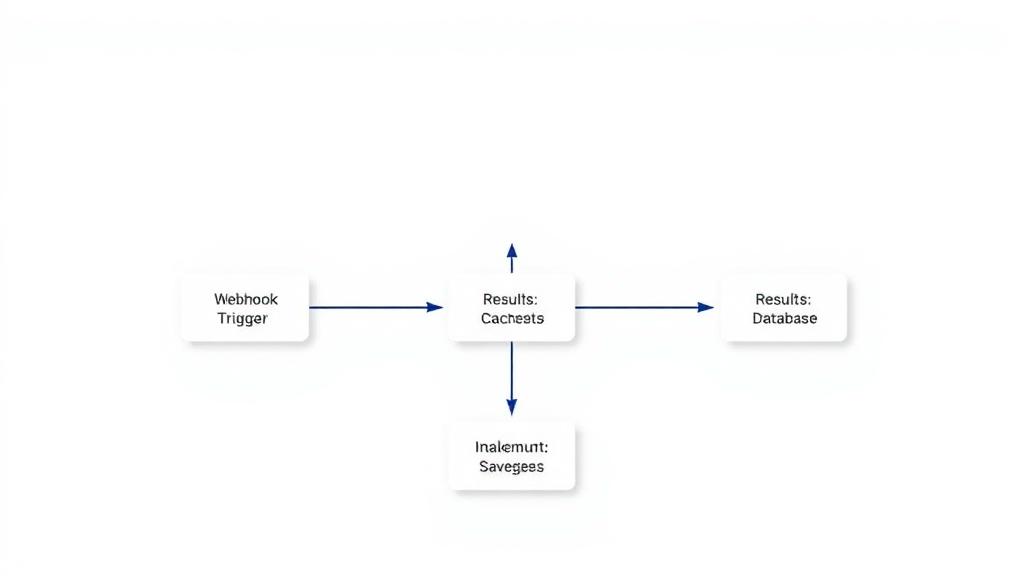
This n8n template drafts customer-ready email replies using Google Gemini, enriched with HubSpot context (contact, deals, companies, tickets). Each draft is routed to Slack for one-click approval before it’s sent from Gmail—so you move fast without losing control. Ideal for support and sales teams that want speedy, personalized responses while keeping humans in the loop. --- ## How it works * Gmail Trigger watches for new inbound emails. * Sender filter excludes internal domains (e.g., `n8n.io`) to avoid auto-replying to teammates. * HubSpot contact lookup finds the sender and fetches associated deals/companies/tickets via association + batch read. * CRM context is normalized into clean, LLM-friendly fields (no IDs or sensitive noise). * Gemini (Google AI Studio) generates a concise, friendly reply using: * Sender name, subject, and message snippet * Safe, relevant HubSpot context (e.g., top 1–2 deals or an open ticket) * Style constraints (≤ \~150 words, single CTA, optional clarifying question) * Slack approval posts the draft to a channel; if approved, n8n replies via Gmail in the original thread. --- ## How to use 1. Gmail: Connect the same account for the trigger and reply nodes. 2. HubSpot: Connect OAuth on the search + HTTP request nodes. 3. Gemini: Add your Google AI Studio API key to the Google Gemini Chat Model node. 4. Slack: Connect and select the channel for draft approvals. 5. (Optional) Filter: Adjust the Allowed Sender filter before going live. 6. (Optional) Prompt: Edit “Draft Reply (AI Agent)” tone/length or how much CRM detail to include. 7. Activate the workflow. New emails will produce Slack-approved replies automatically. --- ## Requirements * Gmail (trigger + send) * HubSpot (OAuth2) for contact + associations * Slack for approval step * Google Gemini (Google AI Studio API key) --- ## Notes & customization * Safety rails: The prompt avoids exposing IDs/raw JSON and caps CRM details to what’s useful. * Auto-send mode: Skip Slack if you want fully automated replies for specific senders/labels. * Richer context: Extend the batch read to pull more properties (e.g., next step, renewal date). * Triage: Branch on subject/labels to route billing vs. technical requests to different prompts. * QA queue: If the model asks a clarifying question, keep it to one—the node enforces that.
What's Included
- Complete n8n workflow template with 0 nodes. Ready to import and customize.
Requirements
n8n instance (self-hosted or cloud). credentials.
How to Use
1. Download the workflow JSON 2. Import into your n8n instance 3. Configure credentials for 4. Activate and enjoy automation
Apps in this n8n workflow
How to import this template into n8n
- Download the workflow JSON file from this page.
- In n8n, open Workflows, create a new workflow and choose Import from File.
- Open each node that shows a warning and connect your own credentials.
- Run the workflow once manually to check the output before you activate it.
- Importable n8n workflow JSON file
- Download with Builder Pro or Agency Unlimited
- Built for n8n v1.0++
- Setup time: 5-15 min
Included in Builder Pro — $19/mo, 4,177 premium workflows
Before you activate
Templates are reviewed before they are listed. Test with your own credentials and data before running it in production.
100% Secure Checkout
Refund requests within 7 days of a new subscription
Dependencies & Requirements
⚠️ 3 services require credentials. Make sure you have accounts set up before importing.
0 reviews
No reviews yet.
Questions & Answers
Log in to ask a question.
No questions yet. Be the first to ask!
People Also Bought
Related Automation n8n templates
- Generate AI Videos with Google Veo3, Save to Google Drive and Upload to YouTube
- Scrape and summarize webpages with AI
- Create a Branded AI-Powered Website Chatbot
- Angie, Personal AI Assistant with Telegram Voice and Text
- AI agent chat
- Automated Web Scraping: email a CSV, save to Google Sheets & Microsoft Excel
- Respond to WhatsApp Messages with AI Like a Pro!
- Basic Automatic Gmail Email Labelling with OpenAI and Gmail API